Telehealth software – How to Choose Telehealth Software for Your Practice
Choosing the right telehealth software is about more than finding a platform that lets doctors and patients have a video call. The software should fit into your existing practice, make things easier for patients and staff, and support the way you already manage appointments, clinical information and billing.
So, what should you look for?
What Should Telehealth Software Do?
At its simplest, telehealth software allows healthcare providers to deliver care remotely using technologies such as video and audio consultations.
But effective telehealth involves more than the consultation itself. The American Medical Association notes that telehealth can support diagnosis, consultation, treatment, education, care management and patient self-management.
That means your software should ideally support the whole patient journey, from booking an appointment through to consultation and follow-up.
1. Make Sure It’s Easy for Patients to Use
Patients shouldn’t need to be technically confident to attend a virtual consultation.
Look for software with:
- A simple interface
- Easy appointment access
- Clear instructions
- Support for common devices and browsers
- Patient support when technical problems occur
If joining a consultation becomes complicated, patients may simply abandon the process.
Good telehealth software should make accessing care feel straightforward.
2. Look Beyond Video
Video calling is only one part of virtual care.
Consider whether the software supports the processes around the consultation, such as:
- Online appointment booking
- Patient information collection
- Notifications and reminders
- Clinical documentation
- Follow-up
- Billing and payments
- Communication with patients
This is where an integrated practice-management system can be particularly useful.
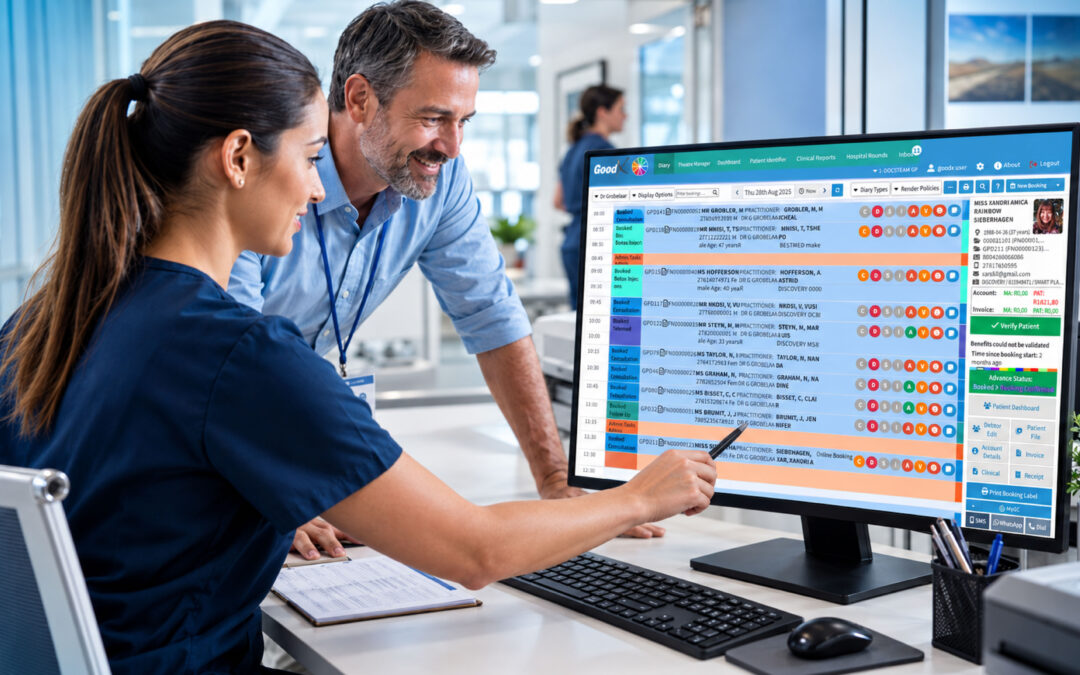
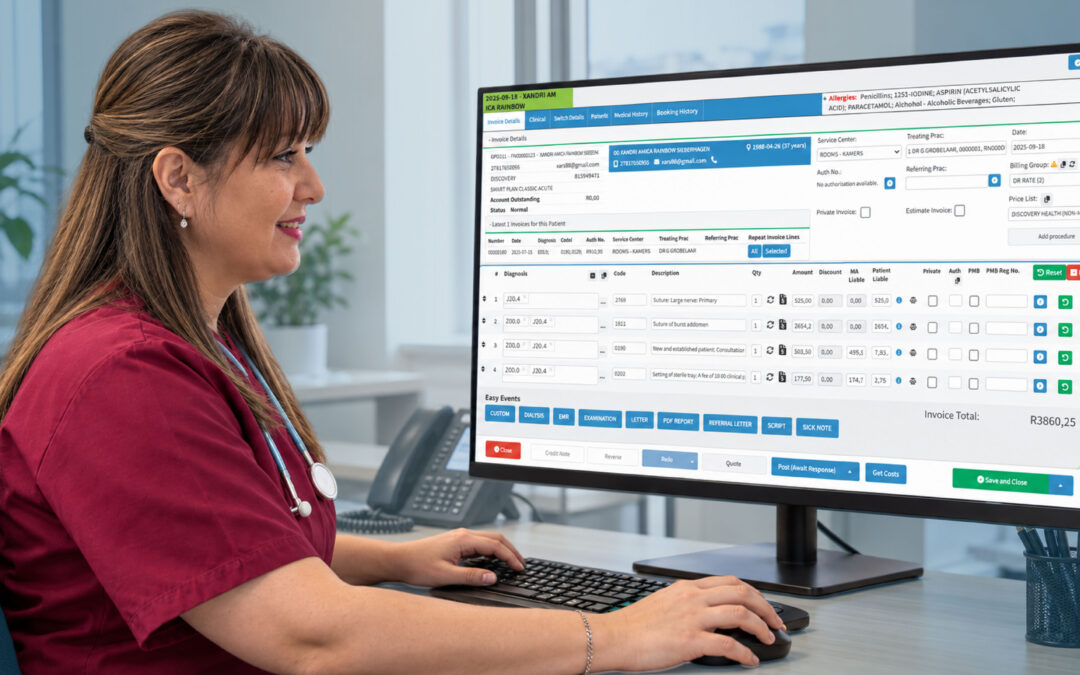
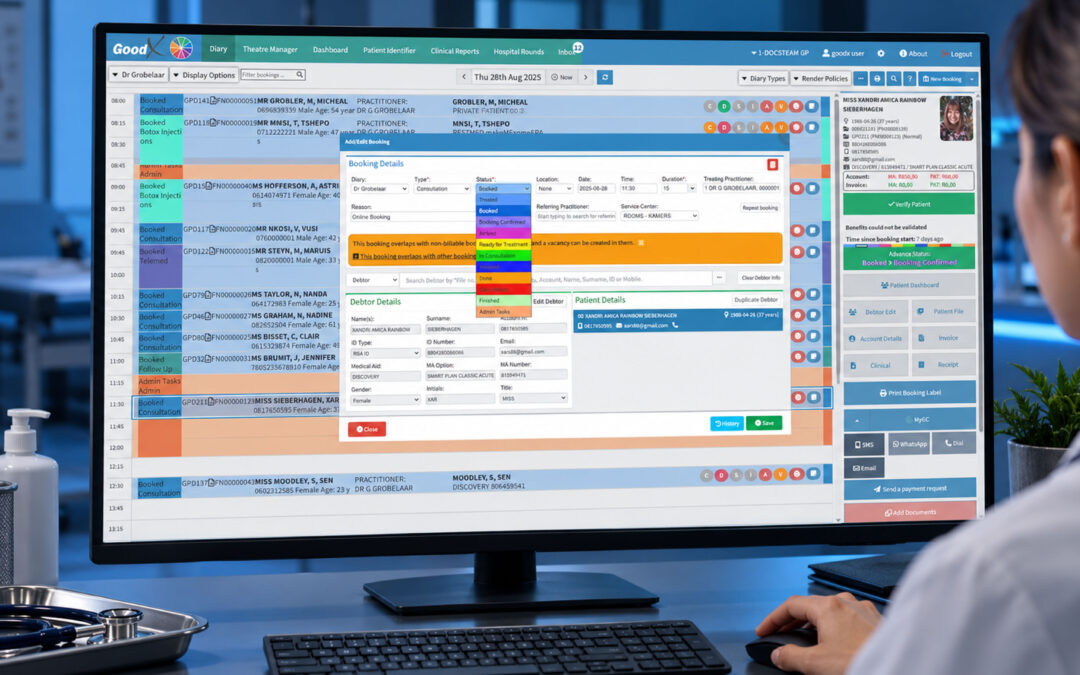
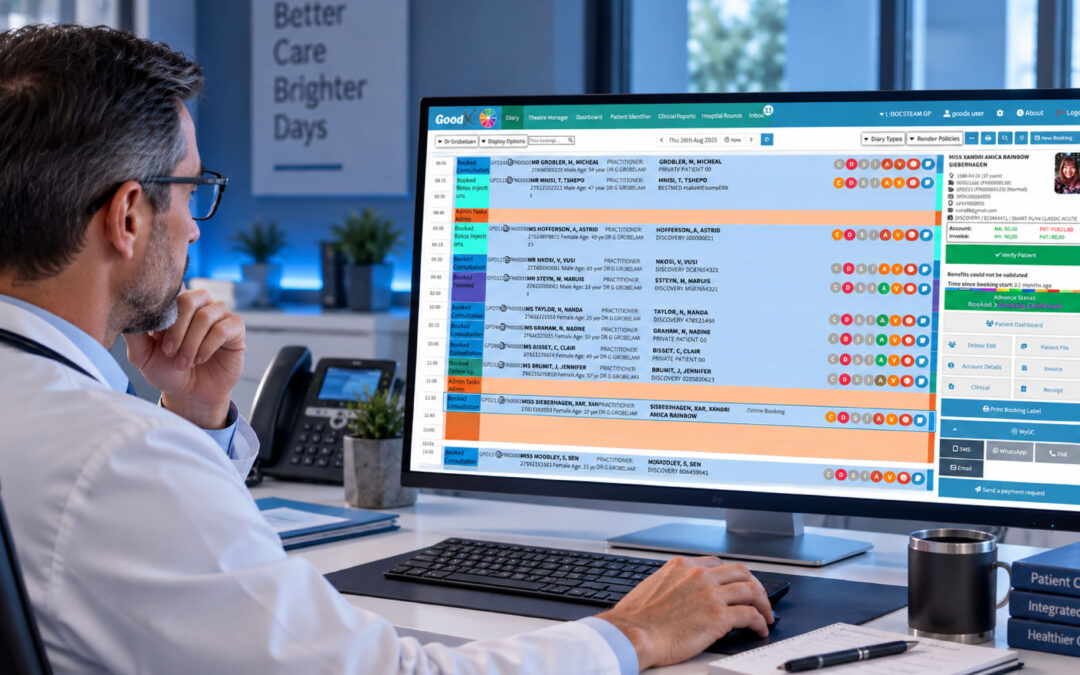
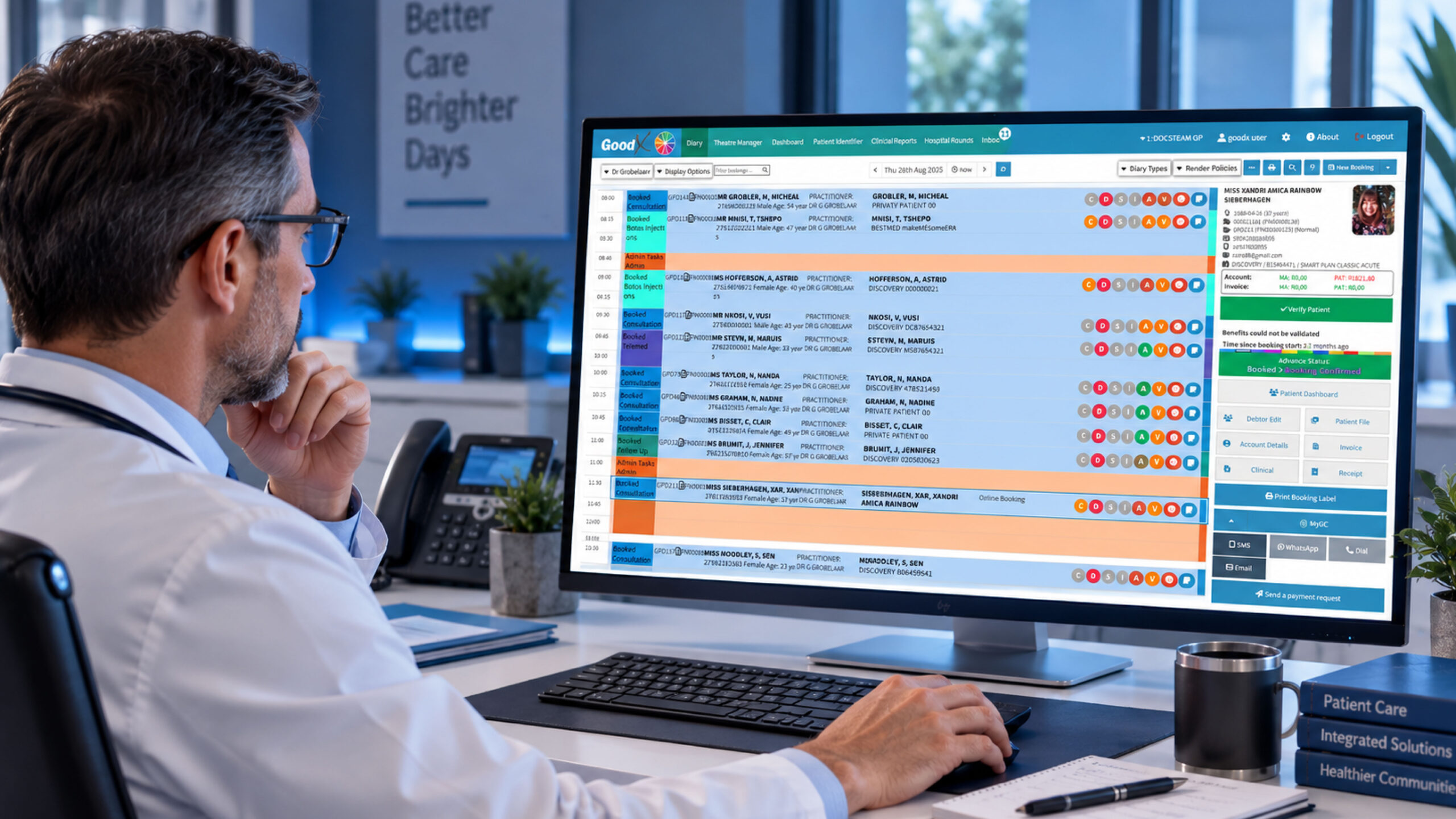
For example, GoodX combines practice scheduling, clinical notes, patient management and billing, while its online booking functionality supports telemedicine video appointments.
Rather than adding another completely separate system to your practice, an integrated approach can help keep your virtual and in-person workflows connected.
3. Check How It Fits Your Existing Workflow
Before choosing telehealth software, map out what happens when a patient makes an appointment.
For example:
Booking → Patient information → Consultation → Clinical notes → Billing → Follow-up
Ask yourself where the telehealth platform fits into each stage.
If staff have to manually copy information between different systems, you may create more administrative work instead of reducing it.
The HHS recommends considering integration with existing EHR systems, billing platforms and other essential software when developing a telehealth service.
4. Don’t Ignore Security and Compliance
Healthcare software handles sensitive patient information, so privacy and regulatory requirements need to be considered from the beginning.
Depending on where your practice operates, requirements can differ. You may need to consider:
- Patient privacy
- Consent
- Data protection
- Professional licensing
- Rules around prescribing
- Where patients are located when receiving care
Don’t assume that a platform suitable for one country automatically meets every requirement in another.
5. Consider Your Staff Too
Telehealth software needs to work for the people operating it—not just the patients.
Before choosing a platform, consider:
- How much training is required?
- Is technical support available?
- Can staff easily manage appointments?
- Can clinicians access relevant patient information?
- What happens if a patient cannot connect?
- Can the workflow be adapted to your practice?
The HHS recommends training staff and even using simulated telehealth encounters before launching a service.
6. Think About the Bigger Practice
Your telehealth service may start with a few virtual appointments each week.
It may eventually become a much bigger part of your practice.
Consider whether your software can support increased demand, additional clinicians, new services and changing workflows.
You don’t necessarily need every possible feature on day one. You do need a platform that won’t become a limitation as your practice develops.
Why Integration Matters
One of the biggest mistakes practices can make is treating telehealth as an isolated service.
Your virtual consultation is still part of the patient’s overall healthcare journey.
If your scheduling, clinical records, patient communication and billing systems are disconnected, staff may have to do the same work multiple times.
An integrated practice-management platform such as GoodX can help bring important parts of the practice workflow together. GoodX provides integrated scheduling, clinical notes, billing and patient-management functionality, while its online booking system supports telemedicine appointments.
For practices considering telehealth, this is worth thinking about: the best telehealth solution isn’t necessarily the one with the most features. It’s the one that fits your practice.
A Quick Telehealth Software Checklist
Before choosing a platform, ask:
- Is it easy for patients to use?
- Does it support video consultations?
- Can patients book appointments online?
- Does it fit our existing workflow?
- Can it connect with our clinical and billing systems?
- Does it support patient information and documentation?
- What privacy and security measures are available?
- What training and technical support are provided?
- Can the platform scale as our practice grows?
The bottom line
Choosing telehealth software doesn’t have to mean replacing everything your practice already uses.
Start with your workflow. Identify what your patients and staff need, then look for technology that makes those processes simpler.
For practices that want telehealth to work alongside everyday practice management, an integrated solution such as GoodX can be worth considering because telemedicine appointments can sit alongside scheduling, patient management, clinical notes and billing rather than existing as a completely separate process.
Ultimately, the goal isn’t simply to offer video consultations.
It’s to make virtual care easier to access, easier to manage and easier to integrate into the way your practice already works.
Contact our team to book your free GoodX demo.
Disclaimer: This article is provided for general informational and educational purposes only. While GoodX Software takes reasonable care to ensure that the information is accurate and current at the time of publication, laws, regulations, industry standards, healthcare policies and technology may change. The content should not be regarded as medical, legal, financial or other professional advice. Readers should verify information relevant to their circumstances and consult an appropriately qualified professional where necessary. GoodX Software accepts no responsibility for decisions made or actions taken solely on the basis of this content.