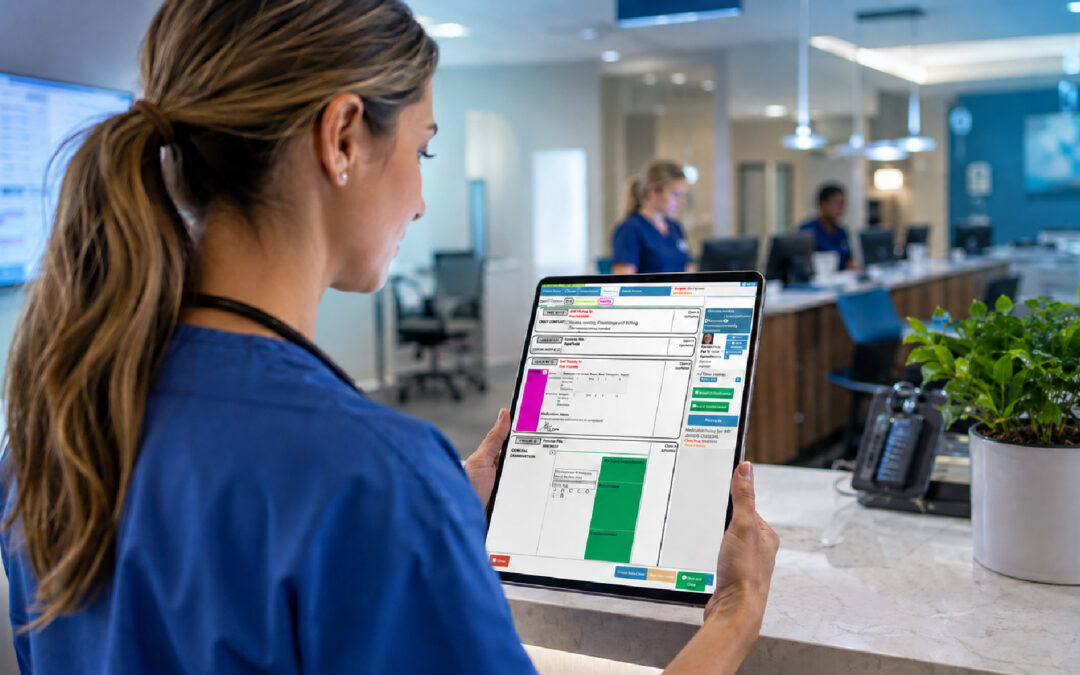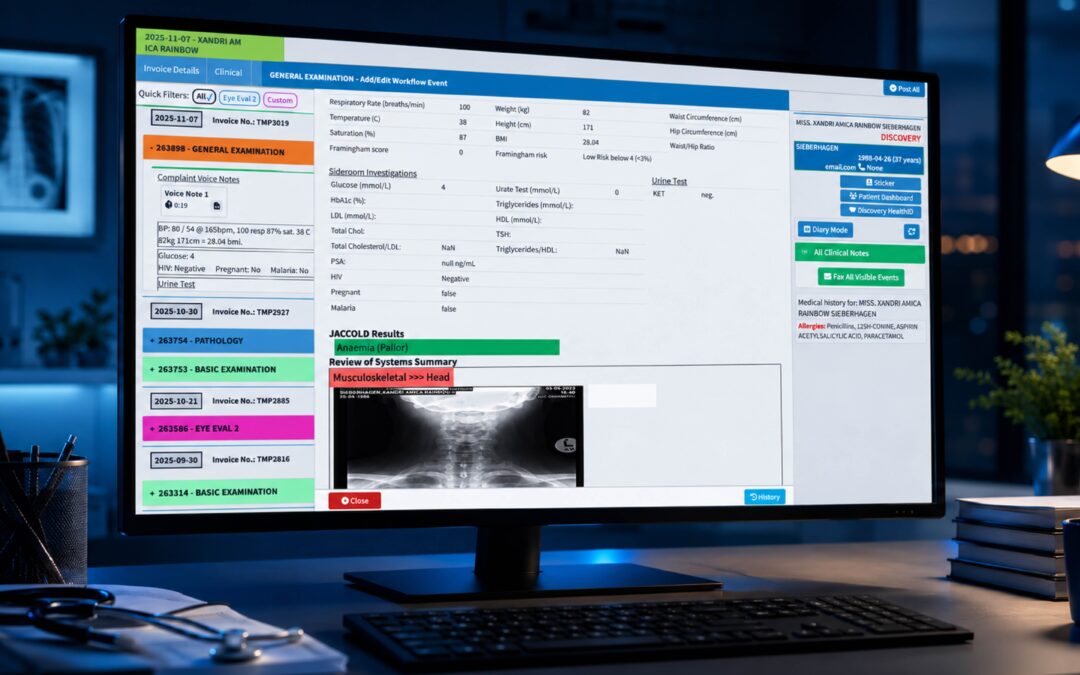
Most failed migrations don’t fail on go-live day. They fail months earlier, in a meeting where somebody said “we’ll sort the data side later.” Your EHR migration path is really a sequence of decisions, and the order you make them in matters more than the speed you make them at.
Practices usually start looking for a new system because something has become unbearable. Notes take too long, billing runs on spreadsheets, or the old vendor has stopped updating the product. Those are fair reasons, but they’re not a plan. Before you sign anything, write down what you want to be different in twelve months, in terms a receptionist and a clinician would both recognise.
Usability is worth taking seriously here. Research reported by the American Medical Association found doctors rated their record systems 45.9 out of 100 for usability, and each one-point improvement was linked to 3 percent lower odds of burnout. That’s US-based research, but the lesson travels: a system that’s painful to use costs you people as well as time. Treat usability as a selection criterion, not a nice extra.
Set a realistic window too. A small practice might move in eight to twelve weeks, while a multi-site group needs far longer. Pick a start date that avoids your busiest season, and tell your team early.
EHR Data Migration Planning: What Moves, What Stays, What Gets Archived
Start with an honest audit. Open the old system and look at what’s actually in there: active patients, dormant files from people who left years ago, scanned letters, images, recalls, free-text allergies typed in six different ways. Not all of it deserves a place in the new system.
Decide on three piles. Active records migrate in full. Inactive records might move as summary data, or sit in a read-only archive. Anything you’re legally required to retain but never use can be stored securely outside the live system. Retention rules differ between countries and professional bodies, so check your own regulator before deleting a single file.
Then comes legacy system data mapping, which is where the hidden work lives. Your old system may store a diagnosis as free text, while the new one expects a structured code from a classification such as the WHO’s ICD framework. Medication lists, immunisation histories and billing codes all need the same treatment: field by field, old on the left, new on the right. It’s dull. It’s also the single best predictor of whether clinicians trust the migrated data.
Patient record transfer deserves its own test. Pull twenty real records, ideally including awkward ones such as a patient with a long chronic history, a family account and a record with a merged duplicate. Migrate them to a test environment and have a clinician read them side by side with the originals. You’ll find problems in the first hour that no vendor demo would ever reveal.
Privacy sits underneath all of this. Moving health data is a processing event, and most jurisdictions regulate it. Your obligations might come from HIPAA in the United States, the UK GDPR, or South Africa’s Information Regulator under POPIA, depending on where you practise. Confirm how data is encrypted in transit, who at the vendor can see it, and what happens to the old copies afterwards.
Your EHR Vendor Transition Checklist
By now you should be talking to vendors, and the questions you ask should come from your audit rather than their brochure. A good EHR vendor transition checklist is short enough to actually use. Here’s the one I’d put in front of a practice manager:
- Which file formats can the vendor import, and have they migrated from your specific legacy system before?
- Who owns the mapping work: you, them, or a shared team?
- Is there a test migration, and can you reject it?
- What does the contract say about data export if you leave later?
- Where is data hosted, and does that meet your local privacy rules?
- What support is included during the first month after go-live?
Beyond the list, ask for references from practices of your size and specialty. A system that suits a ten-doctor hospital group may drown a two-person clinic. Ask those references what went wrong, because something always does, and how fast the vendor responded.
Don’t forget the old vendor. Switching systems means asking them for a full data export, and some will be slow or charge for it. Make that request early, in writing, and check your existing contract for notice periods. Nothing sours a migration like discovering a three-month notice clause in week ten.
Finally, think about connections. Your practice probably talks to laboratories, pharmacies, payers and referral partners. Each link needs to be rebuilt or replaced, and that’s where interoperability matters. HealthIT.gov’s overview of interoperability is a useful primer on why standards-based exchange saves pain later.
EHR Go-Live and Staff Training: Minimising Practice Downtime
Go-live is a Monday morning with a new face. It’s also the point where good planning either pays off or doesn’t. Minimising practice downtime starts with choosing how you’ll cut over: a hard switch over a weekend, or a phased move by clinic, department or doctor.
Small practices often prefer the weekend switch, because everyone learns the same system at the same time. Larger groups tend to phase it. Whichever you choose, reduce your appointment book for the first week or two. Booking fewer patients per session feels expensive, but it’s cheaper than the alternative of clinicians running forty minutes late and reception fielding complaints all day.
Training should be role-based and happen close to go-live, not months before. Receptionists need to practise bookings, check-in and payments. Clinicians need to practise consultations, prescriptions and results. Billing staff need to run a full claim cycle on dummy data. People forget what they haven’t used for six weeks, so schedule hands-on sessions in the fortnight before launch.
Appoint a couple of floor-walkers: staff who learned the system early and can answer quick questions without waiting for the vendor’s helpline. They’re worth their weight in gold on day one. Pair them with a simple log where anyone can note a problem in ten seconds.
After go-live, the real tuning begins. The AMA’s guidance on reducing EHR time describes organisations that freed up time through shared templates, fewer alerts and faster logins. Its related advice on cutting EHR burdens suggests identifying specific pain points and fixing the highest-impact ones first. Take the same approach at week two and week six: ask staff what’s slowing them down, pick two things, fix them.
Keep the old system available in read-only mode for a while. Someone will need a letter from 2019, and it’s far better to find it in a minute than to send a panicked email to a vendor.
Where GoodX Fits Into Your Migration
A migration is the best moment to fix the wider workflow, not only swap one record system for another. GoodX practice management software brings clinical records, bookings, billing and claims, and reporting into one place, so the front desk and the back office work from the same information. That matters when you’re trying to leave behind spreadsheets and duplicate data entry.
For practices moving across, GoodX can help with the points that cause the most friction: automating routine admin such as recalls and reminders, keeping billing and claims connected to the clinical record, and giving managers clear reports on how the practice is running. Compliance is easier to manage when access controls and audit trails sit inside the system rather than in someone’s filing cabinet. You can read more about [our approach to practice automation](INTERNAL LINK: practice automation and workflow tools -> GoodX automation page) and how [billing and claims management](INTERNAL LINK: billing and claims management -> GoodX billing page) fits alongside clinical records.
If you want to see how a move would look for your own team, [talk to us about a migration walkthrough](INTERNAL LINK: migration support and onboarding -> GoodX onboarding page). We’d rather you ask hard questions now than discover gaps after go-live.
Frequently Asked Questions
How long does an EHR migration usually take?
It depends on size and complexity, but a small practice can often complete a migration in two to three months. Larger or multi-site groups need longer. Most of that time goes into data audit, mapping, testing and training, rather than the technical switch itself.
Do I need to migrate every patient record?
No. Most practices migrate active records in full and archive inactive ones. What you can archive or delete depends on local retention rules and your professional regulator, so check those requirements before deciding, and keep anything you’re legally obliged to retain.
What is legacy system data mapping?
It’s the process of matching each data field in your old system to the right field in the new one. For example, free-text diagnoses may need structured codes. Good mapping protects clinical accuracy and prevents information from landing in the wrong place after migration.
How can we minimise downtime during go-live?
Plan a clear cutover method, reduce appointment loads for the first one to two weeks, and train staff shortly before launch. Keep a read-only copy of the old system available, and appoint experienced floor-walkers to solve small problems quickly.
What should I ask a new vendor about data security?
Ask where data is hosted, how it’s encrypted, who can access it, and how audit trails work. Also confirm how the vendor handles your old data after migration. Check all answers against the privacy laws that apply in your own country.
Book your free GoodX demo
Ready to plan your move with fewer surprises? Book a free demo at goodx.international and see how GoodX could fit the way your practice actually works. Bring your toughest migration questions with you.
Disclaimer: This article is provided for general informational and educational purposes only. While GoodX Software takes reasonable care to ensure that the information is accurate and current at the time of publication, laws, regulations, industry standards, healthcare policies and technology may change. The content should not be regarded as medical, legal, financial or other professional advice. Readers should verify information relevant to their circumstances and consult an appropriately qualified professional where necessary. GoodX Software accepts no responsibility for decisions made or actions taken solely on the basis of this content.