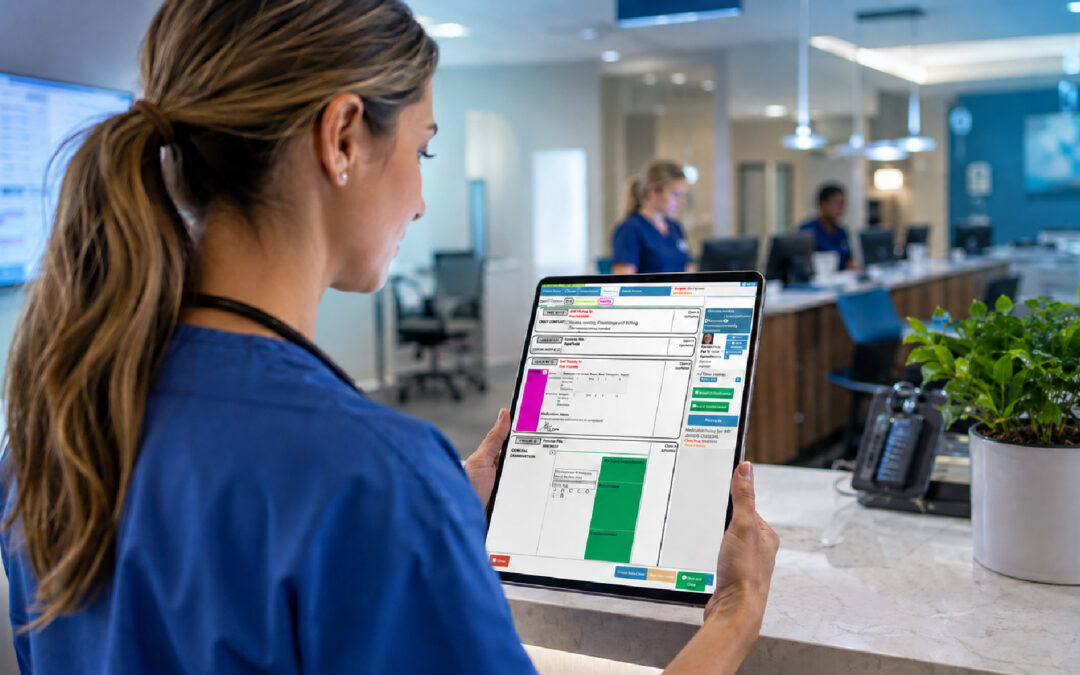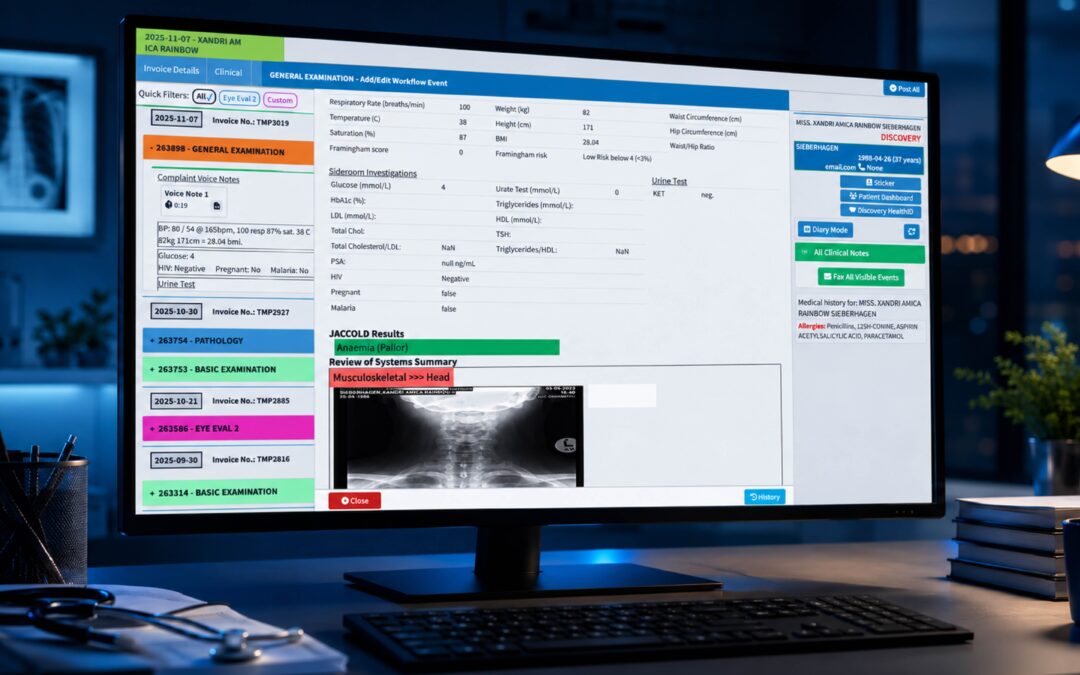
Picture a Monday morning. The lab has finished a batch of bloods over the weekend, and your receptionist is still printing PDFs, while a nurse retypes a cholesterol result into a patient file. Nobody is being careless. The systems simply aren’t talking to each other.
That’s the problem HL7 integration exists to solve, and it’s worth understanding before you commit to connecting anything. Get it right and information moves between your practice, laboratories, hospitals and pharmacies without anyone retyping it. Get it wrong and you’ve bought an expensive way to create new errors.
This article explains what the technology is, what it can do for a practice, where the risks sit and what to ask before you start. You don’t need to be technical. You do need to know which questions to put to your vendors.
What Is HL7 Integration in Healthcare?
HL7 stands for Health Level Seven, a set of standards for exchanging clinical and administrative information between software systems. The HL7 messaging standard defines how a message is structured: which piece of data goes where, how a patient is identified, how a result is labelled. Think of it as grammar. Two systems that follow the same grammar can understand each other even if they were built by different companies.
Integration is the act of connecting your systems so those messages flow automatically. A typical message might say that a patient has been registered, an appointment booked, a test ordered or a result ready. The receiving system reads it and files the information in the right place.
You’ll hear the word “interface” a lot. An interface is simply the working connection between two systems, set up and configured to send particular message types in a particular direction. A practice might have one for a laboratory, another for radiology and a third for a hospital.
There are several versions of the standard, and newer approaches such as FHIR exist alongside it. Older HL7 version 2 messages are still everywhere, so you’ll meet them regularly. Don’t assume your partners all use the same flavour; ask early.
This sits inside the larger idea of electronic health record interoperability, meaning the ability of different systems to exchange information and actually use it. HealthIT.gov describes interoperability as a foundation for safer, better coordinated care, and its overview of health information exchange explains how providers can send data to trusted partners or retrieve it when needed. Many countries are building national strategies around the same goal, and the WHO’s repository of national digital health strategies shows how widely the approach varies.
Benefits of HL7 Interfaces for Medical Practices
The most obvious gain is time. A lab results interface drops results straight into the correct patient record, so no one prints, scans or retypes them. For a busy practice that might mean dozens of manual entries removed from each day, and the clinician sees the result sooner.
Safety follows closely behind. When a result arrives electronically and is matched to the patient automatically, there are fewer chances for a transcription slip or a misfiled page. Shared information can also help avoid duplicate tests and medication errors, as the HealthIT.gov material on information exchange points out.
Then there’s the clinician’s workload. The American Medical Association has written about how organisations reduced time spent in the EHR, and one lesson is that fewer clicks and less retyping give doctors time back. An interface that files results correctly is one of the quiet ways to do that. It won’t make headlines, but your doctors will notice by Friday.
Administrative flow improves too. Registration details, referrals and orders can travel with the patient, which cuts down on the phone calls and faxes that eat reception time. Billing teams benefit when demographic and clinical data arrive clean, because a claim built on correct details is less likely to bounce.
There’s a record-keeping benefit as well. Good records should be complete, made at the time and accurate, which is the standard set out in the Medical Protection Society’s record keeping guidance. Electronic messages arrive with timestamps and a clear source, which supports that standard better than a handwritten note passed across a desk.
Be realistic, though. Interfaces cost effort to set up, test and maintain. If your workflows are messy today, automation will move the mess faster.
HL7 Integration Security and Data Accuracy
Connecting systems widens your exposure. Every interface is a doorway, and doorways need locks. Patient data is among the most sensitive information a business can hold, so treat each connection as part of your security perimeter.
Start with the basics. Encrypt data in transit, restrict who and what can connect, and use multifactor authentication for staff accounts. Patch software promptly and keep backups that are stored offline, so ransomware can’t reach them. The AMA’s physician cybersecurity guidance highlights phishing and ransomware as the main routes in, and stresses that staff training matters as much as technology. HIMSS offers a useful five-step view for healthcare organisations of any size.
Privacy law is the next layer, and it differs by country. Practices in the United States look to HIPAA, UK practices to the Information Commissioner’s Office guidance on UK GDPR, and South African practices to the Information Regulator, which oversees POPIA. Check what applies where you practise, and ask your vendors how they support it.
Accuracy deserves equal attention. Security keeps the wrong people out, but accuracy keeps the wrong data from being trusted. The classic failure is patient matching: two people with similar names, a mistyped date of birth, and a result lands in the wrong file. Agree on how patients are identified across systems, and test with realistic examples before going live.
Code sets matter too. If one system labels a diagnosis differently from another, meaning can be lost in translation. Standard classifications such as the WHO’s ICD help keep terms consistent, though you’ll need to confirm which version your partners use.
Finally, plan for corrections. If an incorrect result or demographic detail slips through, the fix should be a dated, signed amendment, never a quiet deletion of the original. Make sure your integrated systems preserve that audit trail.
Questions to Ask Before You Connect
You’ll get better outcomes if you treat the project like a small renovation rather than a plug-in. Ask each party which message types and versions they support, who configures and monitors the interface, and what happens when a message fails. Failures are normal. What matters is whether someone sees them quickly.
Ask about testing. A sensible vendor will run test messages through a separate environment before touching live patient data. Ask who signs off, and be present for that.
Ask who pays for what, and get it in writing from the parties involved. Interfaces sometimes carry fees on the laboratory or hospital side that surprise practice owners late in the day.
Lastly, nominate one person inside your practice to own the project. When no one owns it, a failed result feed can sit unnoticed for days.
Where GoodX Fits In
Integration works best when the software at the centre of your practice is organised to begin with. GoodX is practice management software that brings together bookings, clinical records, billing and claims, and reporting, so the information arriving through your interfaces lands in a system built to use it. That reduces the retyping and rework that make a Monday morning queue longer than it needs to be.
For practices thinking about connecting laboratories and other partners, GoodX can help you map out what a sensible setup looks like. [INTERNAL LINK: how GoodX handles clinical records -> GoodX clinical records page] sit alongside tools for automation and compliance, which gives your team one place to work rather than five. If claims are your pain point, [INTERNAL LINK: GoodX billing and claims -> GoodX billing page] shows how cleaner data upstream supports fewer rejections downstream.
Every practice has its own mix of partners and regulations, so it’s worth talking through your own situation. A conversation with the team will tell you more than any brochure, and [INTERNAL LINK: see how GoodX supports your practice -> GoodX features page] is a good place to start.
Frequently Asked Questions
What does HL7 integration actually do?
HL7 integration lets separate healthcare systems exchange information automatically using an agreed message format. Results, registrations, orders and appointments move between your practice and partners such as laboratories without manual retyping. This saves time, reduces transcription errors and helps clinicians see information sooner.
Is HL7 the same as FHIR?
No, they’re related but different standards from the same standards organisation. HL7 version 2 messages are older and widely used for lab and hospital feeds, while FHIR is a newer, web-based approach. Many practices will meet both, so ask partners which they support.
Do small practices need HL7 interfaces?
Not always, but they often benefit. If you receive many lab results or exchange data with hospitals regularly, an interface can save considerable administrative time. A very low-volume practice may find manual methods adequate. Weigh the setup effort against the time you’d save.
How long does it take to set up an interface?
It varies with the partners, the message types and how quickly each party responds. Configuration and testing usually take longer than people expect, because several organisations are involved. Ask each vendor for a realistic timeline and agree a testing plan before starting.
Is integrated data safe?
It can be, if security is built in from the start. Encryption, access controls, multifactor authentication, staff training and tested backups all matter. You should also check the privacy law that applies in your country and ask vendors how they meet it.
Book your free GoodX demo
If you’d like to see how a well-organised practice system can support your integration plans, we’d be glad to show you. Book a free demo at goodx.international and bring your questions about interfaces, records and claims.
Disclaimer: This article is provided for general informational and educational purposes only. While GoodX Software takes reasonable care to ensure that the information is accurate and current at the time of publication, laws, regulations, industry standards, healthcare policies and technology may change. The content should not be regarded as medical, legal, financial or other professional advice. Readers should verify information relevant to their circumstances and consult an appropriately qualified professional where necessary. GoodX Software accepts no responsibility for decisions made or actions taken solely on the basis of this content.