Picture a Monday morning at a busy practice. Eleven people are waiting, a prescription refill request has been sitting in someone’s inbox since Friday, and nobody is quite sure whether the nurse or the receptionist should be chasing the lab result for bed four. Nothing is broken. The software works fine. What’s missing is agreement about who does what, and when.
That’s the real job of medical workflow software: it can only enforce a process you’ve actually defined. Buy the tool first and you’ll simply digitise the confusion. Map first, and the software becomes the thing that keeps everyone to the plan.
This article walks through a practical way to do the mapping. We’ll cover tasks, responsibilities and handoffs in turn, then look at how practice management software can hold the whole thing together. You don’t need a consultant or a whiteboard wall, although a big sheet of paper and a pot of coffee help.
Start with the patient, not the org chart. Good patient journey mapping follows one person from the moment they try to book to the moment the follow-up is closed, and it shows you where the practice quietly depends on memory and goodwill. Those are the places to fix first.
Clinical Task Mapping: Writing Down What Actually Happens
Clinical task mapping means listing every step in a process as it really runs, not as the policy folder says it should. Pick one journey, say a new patient with a chronic condition, and shadow it. Write each action on a sticky note: booking, reminder, registration, insurance or scheme check, rooming, consultation, prescription, referral, billing, recall.
Be nosy. Ask the receptionist what she does when a patient arrives without the right paperwork. Ask the nurse where she goes when the exam room isn’t stocked. You’ll usually find a dozen unofficial steps that exist only because someone got tired of a problem and quietly fixed it.
Once the sticky notes are up, look for three things: steps that repeat, steps that wait, and steps that only one person knows how to do. Repeats are candidates for automation. Waits are your bottlenecks. Single-person steps are risks, because the day that person is on leave, the process stops.
Then attach a number to each pain point. How long does a patient wait between arriving and being roomed? How many claims bounce back each week? How many appointments end as no-shows? One published practice-management survey from the United States found that most groups reported no-show rates above 6 percent, and that automated reminders were still underused, so it’s worth checking your own figure rather than assuming you’re fine.
Preparation work is a good example of what mapping uncovers. The American Academy of Family Physicians has described a “showtime” scheduling approach in which patients arrive roughly 15 minutes before the clinician’s start time so staff can handle checks, medication review and screening first. It only works if the practice system keeps two linked schedules in sync, which is exactly the kind of detail a task map exposes before you commit to a change.
Defining Staff Responsibilities in Healthcare Without Creating Turf Wars
With the tasks on paper, the next question is who owns each one. Defining staff responsibilities in healthcare is less about job titles and more about decisions: who can approve a repeat prescription, who may triage an urgent message, who is allowed to override a booking. Write those down in plain language.
A simple method is to give every task one owner and, at most, one backup. Not a team, not “front desk”. A role. When three people each assume somebody else is handling the patient messages, nobody is. The AAFP has published practical guidance on clinical workflow efficiencies that stresses delegating routine refills and patient messages to trained staff, so doctors spend their time on work only they can do.
Delegation needs guardrails, though. Staff should work from short protocols: what they can action alone, what they must escalate, and how fast. The American Medical Association has also pointed to workflow changes that save physicians substantial time each year, which is a useful reminder that clearer roles protect clinicians as well as patients.
Rules on who may do what clinically differ between countries and professions, so check your own regulator and your own scope-of-practice rules before you hand tasks across. Your map should record the rule, not just the habit.
One more thing. Tell people why. A receptionist who understands that a quick, accurate insurance check prevents a rejected claim three weeks later will do it better than one who was simply handed a checklist.
Building a Clinical Handoff Process That Doesn’t Drop Patients
Most failures happen in the gaps. A clinical handoff process is any moment where responsibility moves: reception to nurse, nurse to doctor, doctor to the referral specialist, practice to patient at home. Each of those is a place where information can be lost, delayed or misread.
A good handoff answers four questions. What has been done, what is still outstanding, who has it now, and by when? If your current handoffs can’t answer those in a few seconds, that’s your target. A one-line note such as “bloods taken, result due Thursday, Sister Mokoena to call patient” beats a paragraph nobody reads.
Standardise the common ones. A rooming checklist, for example, means the same vitals, medication review and reason for visit are captured every time, and the clinician walks in with a complete picture. Stocked, consistent exam rooms belong here too, because a missing consumable is a handoff failure in disguise.
Think about the handoffs outside the building as well. If you offer remote consultations, the US Department of Health and Human Services’ guidance on planning a telehealth workflow is a sound reference for deciding staffing, record integration and patient preparation up front. The principle travels to any country: decide who prepares the patient, who joins the call and who closes the loop afterwards.
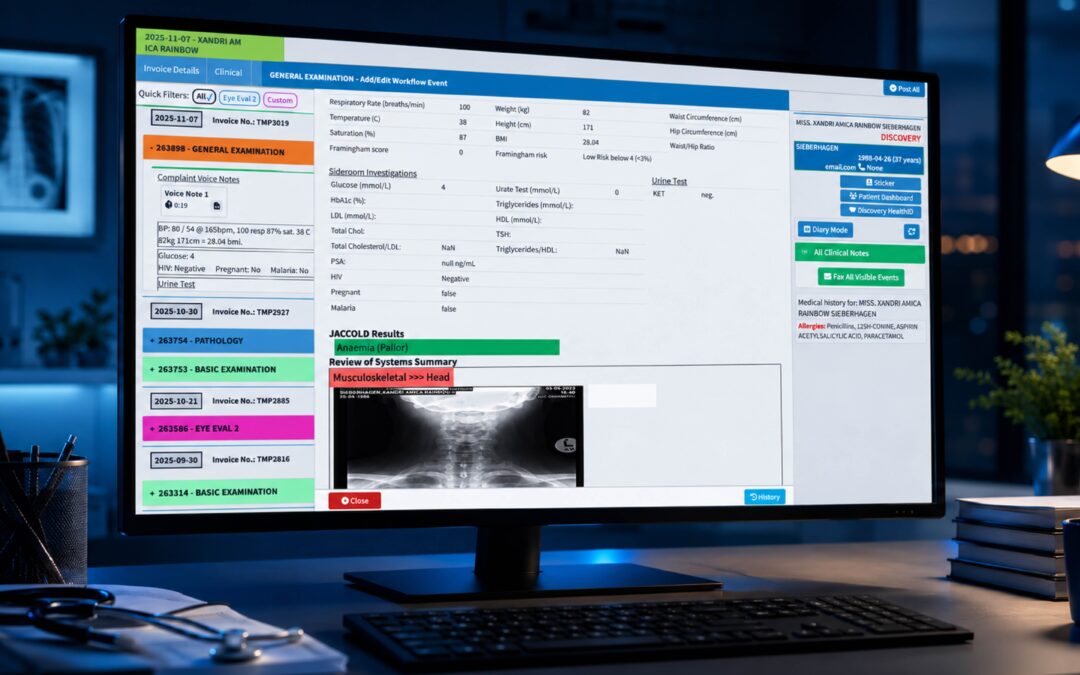
Strong care team coordination comes down to visibility. When everyone can see the same task list, the same notes and the same status, handoffs stop depending on corridor conversations. That’s also where [INTERNAL LINK: clinical records and task tracking -> GoodX clinical records page] earns its keep, because the handoff lives in the record rather than in someone’s head.
Where GoodX Fits Into Your Workflow
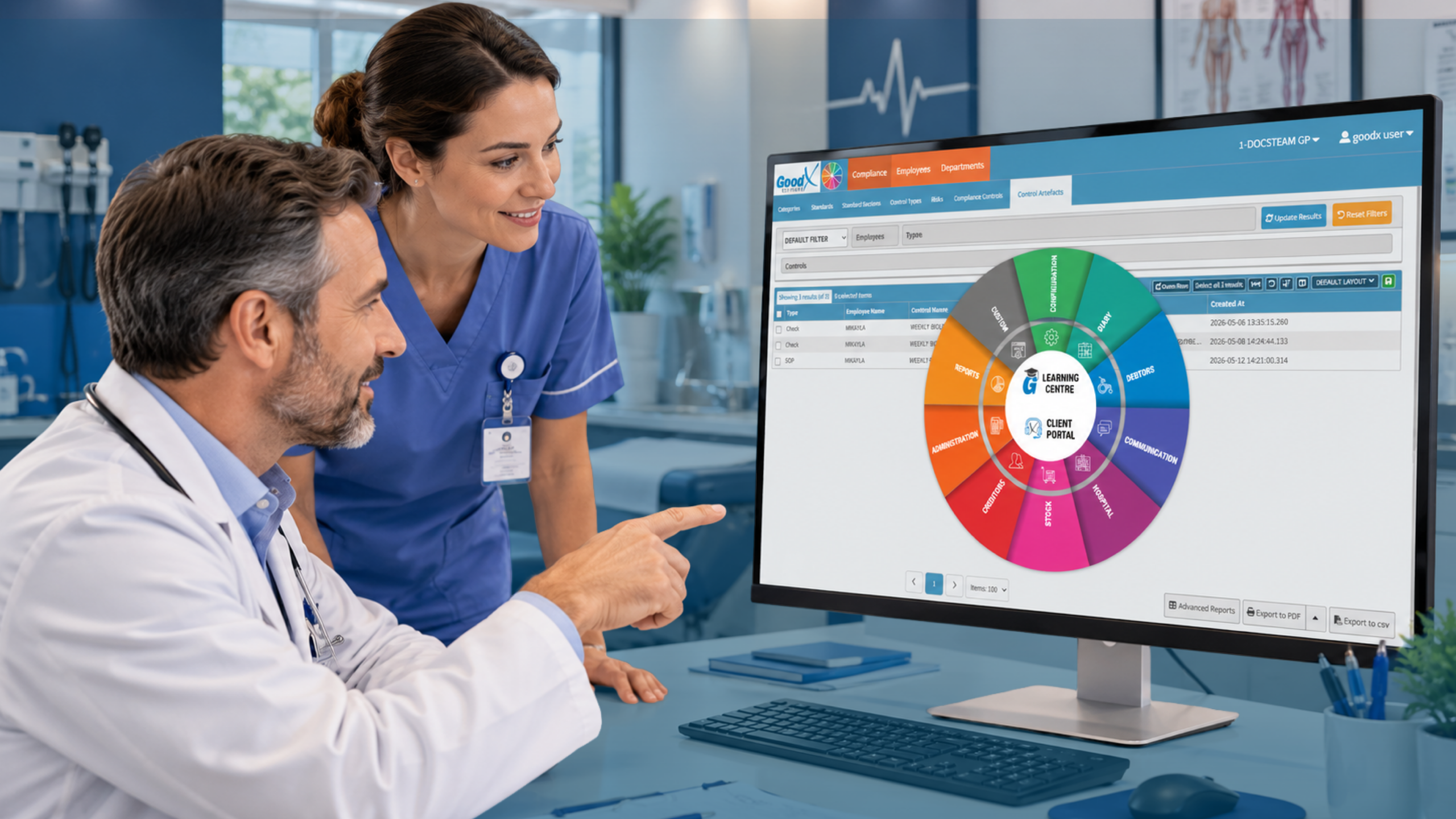
Once your map exists, you need somewhere for it to live. GoodX practice management software gives practices a single place to run bookings, clinical records, billing and reporting, so the steps you’ve mapped aren’t scattered across diaries, spreadsheets and sticky notes. Reception, nursing and clinical staff work from the same information, which makes responsibilities and handoffs far easier to follow in practice.
Take the problems we’ve covered. Automated appointment reminders can help tackle no-shows. Structured clinical records support consistent rooming and handover. Billing and claims tools help catch errors earlier, before a rejection turns into a week of rework. Reporting lets you measure waiting times, claim rejections and missed follow-ups, so your improvements rest on evidence rather than gut feeling.
Compliance matters too. Privacy and record-keeping obligations vary by country, and your system should help you meet the ones that apply to you, such as access controls and audit trails. If you want to see how scheduling and automation might fit your own process map, [INTERNAL LINK: practice management features -> GoodX features page] is a good place to start.
A word of caution: software won’t rescue an undefined process. Bring your map to the demo. You’ll get far more from the conversation if you can say, “This is where our handoffs fail, show me how you’d handle it.”
Frequently Asked Questions
What is medical workflow software?
Medical workflow software coordinates the tasks, roles and information involved in running a practice, from booking to billing and follow-up. It helps staff see what needs doing, who owns it and when it’s due. It works best when you’ve already mapped your processes clearly.
How do I start mapping clinical tasks in a small practice?
Pick one patient journey and follow it from first contact to closed follow-up, noting every step and who performs it. Ask staff what workarounds they use. Then mark repeated steps, waiting points and single-person dependencies. Fix the most painful one first rather than redesigning everything at once.
Who should be responsible for each clinical task?
Each task should have one named role as owner and one backup. Base this on skill, scope of practice and local regulation, not habit. Document what staff can do alone and what must be escalated, so delegation stays safe and clear.
What makes a good clinical handoff?
A good handoff states what has been done, what remains, who now owns it and the deadline. It’s brief, recorded in a shared system and consistent every time. Standard checklists for common handoffs, such as rooming or referrals, reduce the risk of missed information.
Can practice management software reduce no-shows?
It can help. Automated reminders and online booking options make it easier for patients to confirm, reschedule or cancel. Reporting then shows whether your no-show rate is improving. Software supports the process, but you’ll still need clear ownership of recalls and follow-up.
Book your free GoodX demo
If you’d like to see how your mapped tasks, responsibilities and handoffs could run in one system, book a free demo at goodx.international. Bring a real workflow and we’ll talk through it together.
Disclaimer: This article is provided for general informational and educational purposes only. While GoodX Software takes reasonable care to ensure that the information is accurate and current at the time of publication, laws, regulations, industry standards, healthcare policies and technology may change. The content should not be regarded as medical, legal, financial or other professional advice. Readers should verify information relevant to their circumstances and consult an appropriately qualified professional where necessary. GoodX Software accepts no responsibility for decisions made or actions taken solely on the basis of this content.