Software for Electronic Medical Records: How to Choose the Right Solution
Electronic medical records have changed the way healthcare organisations store, access and manage patient information. Instead of relying on paper files or disconnected systems, healthcare professionals can use digital records to keep important patient information available when and where it is needed.
However, not all electronic medical record systems work in the same way.
The right software for electronic medical records should do more than replace paper. It should help healthcare professionals manage patient information efficiently, support clinical workflows, improve communication between teams and protect sensitive data.
For practices considering a new system, the challenge is knowing what to look for.
This guide explains the key features, benefits and considerations to help healthcare providers choose software that fits their organisation.
What is software for electronic medical records?
Software for electronic medical records, often referred to as EMR software, is designed to digitally store and manage information relating to a patient’s care.
Depending on the platform and healthcare setting, an electronic medical record may contain information such as:
- Patient demographics
- Medical history
- Diagnoses
- Clinical notes
- Medication information
- Allergies
- Treatment records
- Laboratory results
- Imaging information
- Consultation history
- Billing and administrative information
Instead of searching through physical files or different disconnected applications, healthcare professionals can access relevant information through a central digital system.
The exact functionality varies between platforms. Some solutions focus primarily on clinical records, while others combine electronic medical records with practice management, billing, scheduling and other healthcare workflows.
That distinction is important when comparing systems.
A healthcare organisation should not simply ask whether a product is an EMR. It should ask whether the software supports the way its healthcare professionals actually work.
Why electronic medical records matter
Patient information is one of the most important resources within a healthcare organisation.
When information is difficult to access, healthcare professionals can spend unnecessary time searching for records, entering information repeatedly or communicating information between systems.
A well-designed electronic medical record system can help create a more connected workflow.
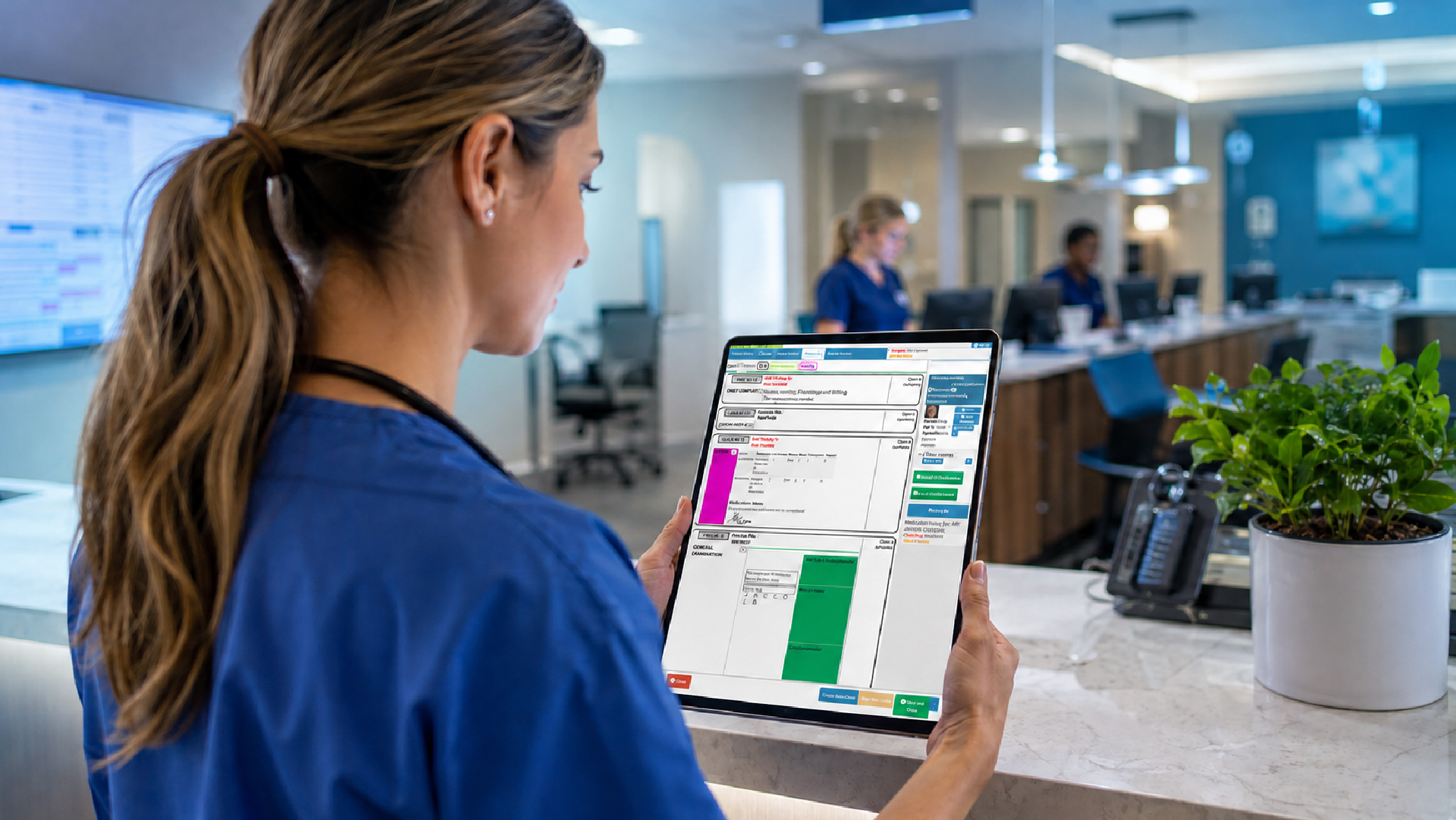
For example, instead of moving between paper notes, spreadsheets and separate applications, a healthcare professional may be able to access the patient’s relevant information directly from the electronic record.
This can help practices:
- Reduce reliance on paper
- Improve access to patient information
- Reduce duplicate data entry
- Organise clinical records
- Improve administrative efficiency
- Support more consistent documentation
- Make information easier to retrieve
- Create a clearer patient history
The value is therefore not simply that the record is digital.
The real benefit comes from how effectively the digital record fits into the healthcare workflow.
EMR vs EHR: what’s the difference?
The terms EMR and EHR are sometimes used interchangeably, but they can describe slightly different concepts.
An Electronic Medical Record (EMR) generally refers to the digital version of a patient’s medical record within a particular healthcare provider or organisation.
An Electronic Health Record (EHR) is often used more broadly to describe a longitudinal health record that can be shared across different healthcare providers and healthcare settings.
In practice, terminology varies between countries, vendors and healthcare organisations.
This means healthcare providers should look beyond the label used by a software provider.
Instead, focus on what the system can actually do.
Can it manage the clinical information your organisation needs? Can it connect with other systems? Can authorised users access information when required? Can it support your administrative and financial workflows?
Those questions are more useful than simply comparing the terms EMR and EHR.
What should software for electronic medical records include?
The features you need will depend on the size, specialty and structure of your organisation.
However, several capabilities are particularly important when evaluating EMR software.
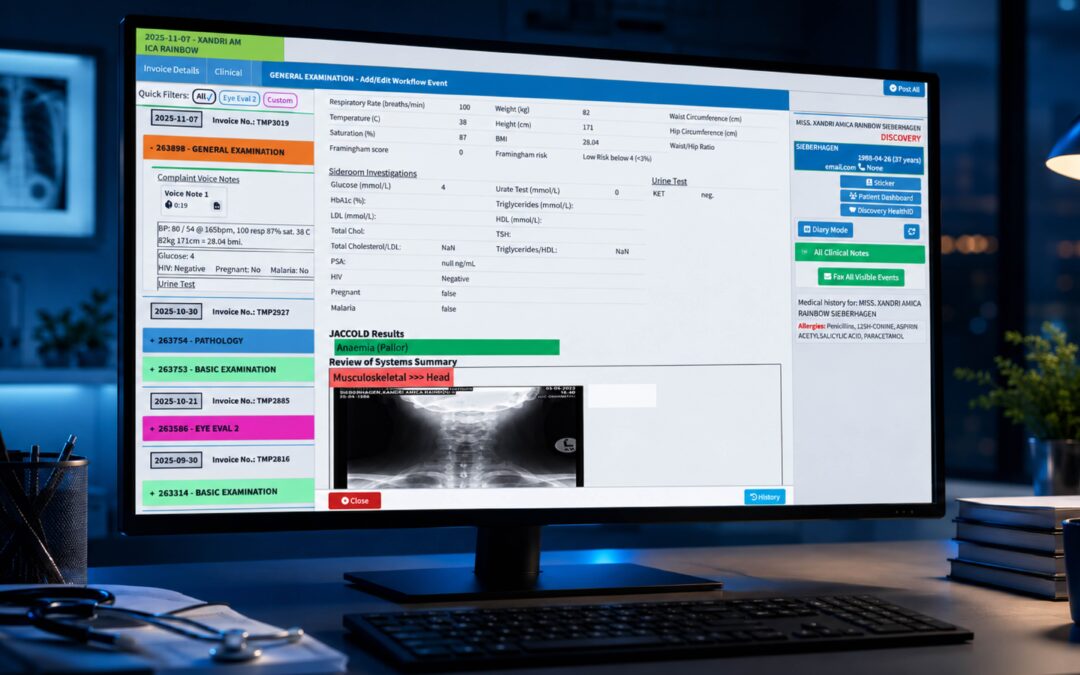
1. Comprehensive patient records
The foundation of any electronic medical record system is the patient record itself.
The software should provide a structured way to store and retrieve relevant information throughout the patient’s journey.
Depending on the healthcare setting, this may include:
- Demographic information
- Contact details
- Medical history
- Clinical notes
- Diagnoses
- Allergies
- Medication information
- Previous consultations
- Treatment plans
- Test results
- Referrals
- Documents
The record should also be easy to navigate.
A system that stores large amounts of information but makes that information difficult to find can create just as many workflow problems as a paper-based process.
2. Easy clinical documentation
Documentation is a central part of everyday healthcare.
Healthcare professionals need to record consultations and other clinical interactions without spending unnecessary time navigating complicated software.
Good EMR software should make documentation straightforward.
Useful functionality may include:
- Customisable templates
- Structured clinical fields
- Free-text notes
- Saved preferences
- Searchable patient history
- Clinical coding support
- Document attachments
- Follow-up information
The objective should be to support the healthcare professional’s workflow rather than interrupt it.
If documenting a consultation becomes unnecessarily complicated, staff may be less likely to use the system consistently.
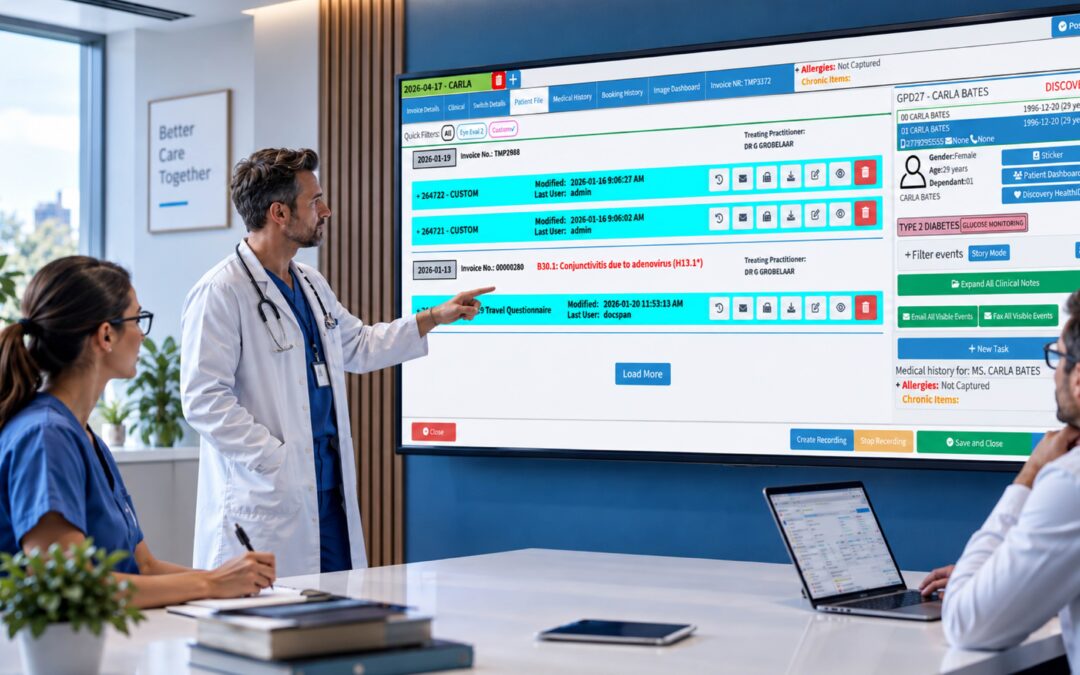
3. Patient history at a glance
One of the major advantages of an electronic record is being able to understand the patient’s history without searching through multiple files.
A useful system should allow authorised healthcare professionals to quickly identify relevant information from previous interactions.
For example, they may need to review:
- Previous diagnoses
- Previous consultations
- Medication history
- Allergies
- Test results
- Referrals
- Treatment history
A clear timeline or organised patient summary can make this information easier to understand.
The design of the interface matters just as much as the information stored within it.
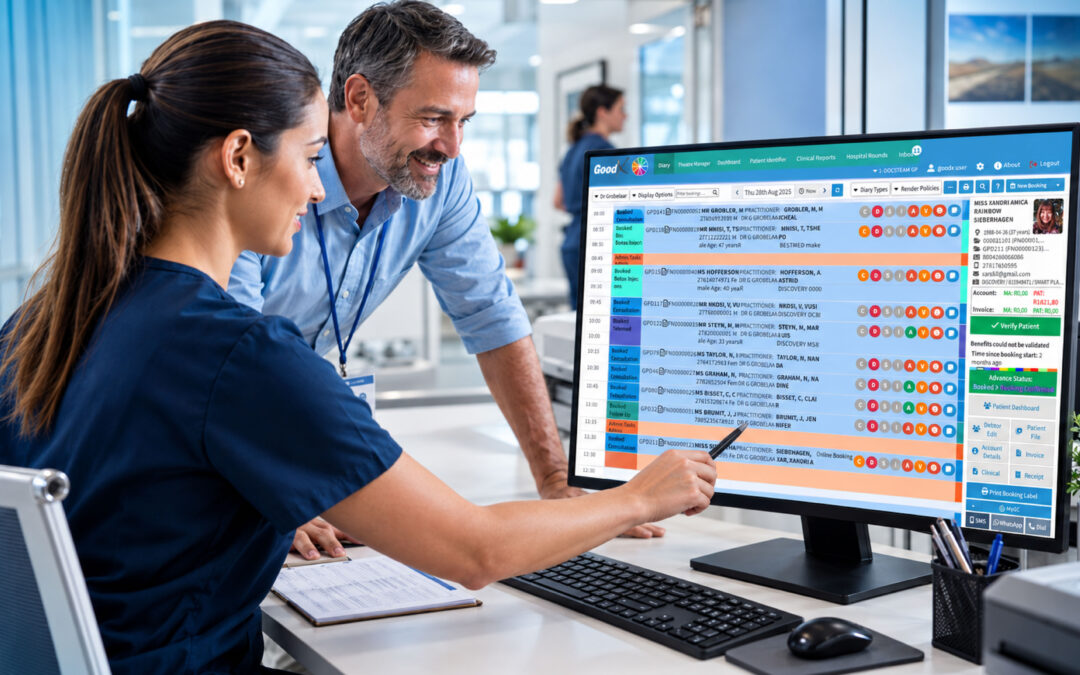
4. Appointment and practice management
For many healthcare organisations, clinical records and administrative workflows are closely connected.
A patient may need to:
- Book an appointment.
- Register with the practice.
- Attend the consultation.
- Have their clinical information recorded.
- Receive treatment.
- Return for follow-up.
- Receive an invoice or generate an insurance claim.
When these processes are disconnected, staff may need to enter the same information multiple times.
Software that combines electronic medical records with practice management functionality can help reduce these handoffs.
Depending on the system, this may include:
- Appointment scheduling
- Patient registration
- Calendar management
- Reminders
- Billing
- Claims
- Payment management
- Reporting
For practices that want one connected environment, this can be an important consideration when selecting an EMR platform.
5. Secure access to patient information
Patient records contain sensitive information, so security should be a fundamental consideration when selecting software for electronic medical records.
Healthcare organisations should understand how a potential provider handles:
- User authentication
- Access permissions
- User roles
- Audit trails
- Data backups
- Data storage
- Encryption
- System monitoring
- Account management
Not every employee needs access to every part of a patient’s record.
Role-based access can help organisations ensure that users have access appropriate to their responsibilities.
It is also worth asking how the system records activity.
A clear audit trail can help organisations understand who accessed or changed information and when.
6. Interoperability and integrations
Healthcare rarely operates through one system.
A practice may use separate technologies for:
- Laboratory services
- Imaging
- Pharmacy
- Billing
- Insurance
- Scheduling
- Accounting
- Patient communication
If those systems cannot communicate effectively, staff may have to manually transfer information between them.
That creates additional work and increases the possibility of errors.
When evaluating EMR software, ask:
What systems can it integrate with?
And more importantly:
What information can move between those systems?
Integration should be evaluated based on your actual workflow rather than simply the number of integrations listed on a vendor’s website.
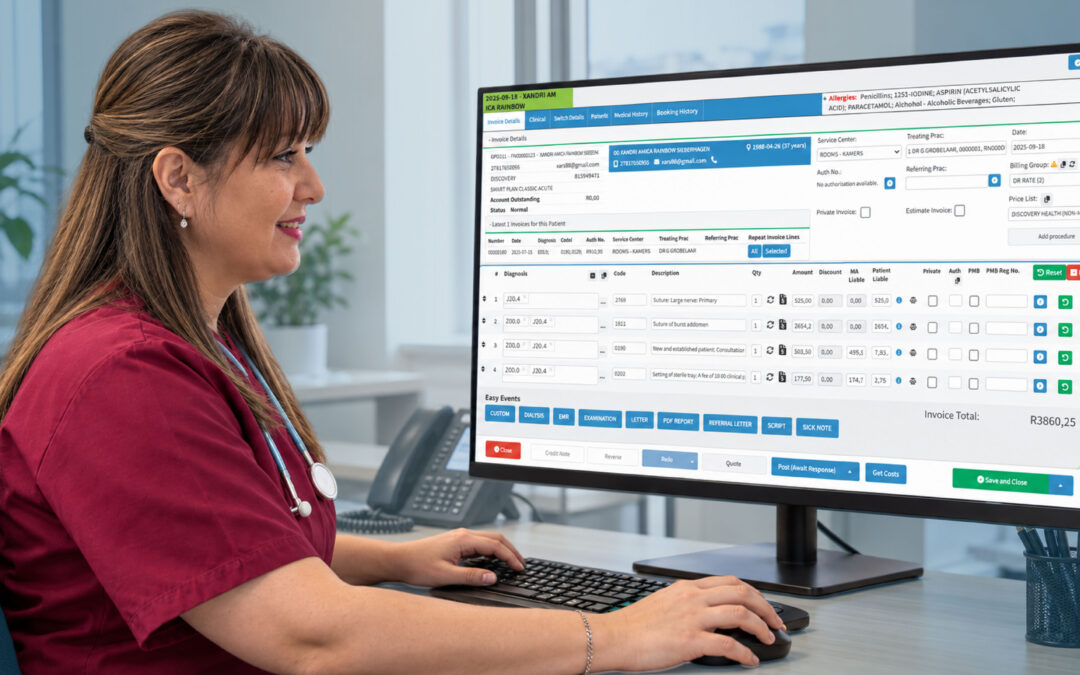
7. Billing and financial management
For many healthcare practices, the clinical and financial sides of the organisation are closely connected.
A consultation generates clinical information, but it may also generate a bill, claim or patient balance.
If the EMR and billing processes are completely separate, staff may need to duplicate information.
An integrated solution can connect clinical activity with relevant administrative and financial processes.
This can help practices manage:
- Charges
- Invoices
- Insurance or medical scheme claims
- Payments
- Outstanding balances
- Financial reports
The exact functionality will depend on the healthcare market and the software platform.
The important consideration is whether the system can support the complete patient journey rather than forcing staff to work across disconnected applications.
8. Reporting and analytics
Digital records create an opportunity to understand how the practice operates.
Reporting can provide visibility into areas such as:
- Patient activity
- Appointment volumes
- Clinical activity
- Revenue
- Billing
- Outstanding accounts
- Provider activity
- Practice performance
Good reporting should make information easier to understand and act upon.
A practice manager should be able to answer questions without spending hours exporting data into spreadsheets.
For larger healthcare organisations, reporting can also help identify trends across departments, providers or locations.
9. Customisation
Different healthcare providers do not all work in the same way.
A general practitioner may have a different documentation workflow from a specialist. A multi-provider practice may have different requirements from an individual healthcare professional.
This makes customisation important.
Consider whether the software allows you to configure:
- Templates
- Forms
- Workflows
- User roles
- Notifications
- Reports
- Clinical fields
The goal is to make the software fit the organisation without requiring extensive workarounds.
Cloud-based vs locally installed EMR software
One of the decisions healthcare organisations may need to make is how the system will be deployed.
Cloud-based software
Cloud-based systems are hosted remotely and accessed through an internet connection.
Potential benefits can include:
- Access from different locations
- Centralised updates
- Reduced reliance on local infrastructure
- Easier scalability
- Support for distributed teams
However, organisations should consider connectivity, vendor security, availability and data management before choosing a cloud solution.
Locally installed software
Locally installed software runs on infrastructure controlled by the organisation.
This can provide greater control over the local environment, but it can also mean that the organisation is responsible for more of the infrastructure, maintenance, backups and updates.
Neither model is automatically right for every practice.
The better choice depends on your organisation’s infrastructure, security requirements, resources and workflow.
How to choose the right EMR software
Selecting software for electronic medical records should be approached as a business and clinical workflow decision, not simply a technology purchase.
Start by identifying what your organisation needs to improve.
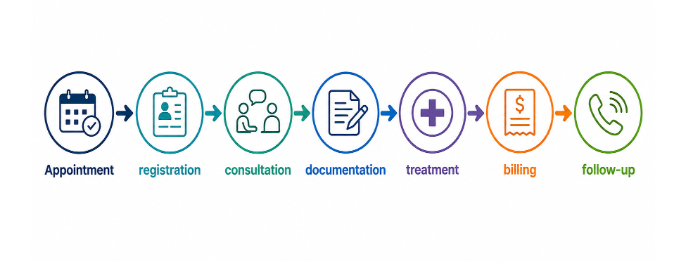
Step 1: Map your current workflow
Follow a patient through your organisation.
Look at what happens from:
Identify where information is entered, transferred or duplicated.
Those points often reveal where software can provide the greatest benefit.
Step 2: Separate essential features from nice-to-have features
It is easy to become distracted by long feature lists.
Instead, divide your requirements into three groups:
Essential: Your organisation cannot operate effectively without it.
Important: It would significantly improve your workflow.
Optional: Useful, but not necessary.
This makes it easier to compare vendors objectively.
Step 3: Test the software using real workflows
A product demonstration should not only show attractive dashboards.
Ask the vendor to demonstrate real tasks.
For example:
- Register a new patient.
- Find an existing patient.
- Record a consultation.
- Review medical history.
- Create a follow-up appointment.
- Generate a bill.
- Process a payment.
- Run a report.
This gives your team a much better understanding of how the software will actually feel to use.
Common mistakes when choosing EMR software
Choosing based on features alone
More features do not necessarily mean a better system.
A platform with hundreds of functions can still be difficult to use if the core workflows are poorly designed.
Ignoring usability
Healthcare professionals are busy.
If the system requires too many clicks to complete routine tasks, it can become a source of frustration.
Forgetting about integration
A new EMR should fit into your existing technology environment wherever possible.
Overlooking security
Patient information requires appropriate safeguards. Security should be assessed before implementation, not afterwards.
Not involving users in the decision
Doctors, nurses, administrative staff, billing teams and practice managers may all use the system differently.
Their input can reveal requirements that management may not initially consider.
Failing to plan implementation
Even excellent software can struggle if the implementation process is poorly managed.
Training, data migration, workflow configuration and user adoption all need to be considered.
How much does electronic medical record software cost?
There is no universal price for EMR software.
Costs can depend on factors such as:
- Number of users
- Number of locations
- Features required
- Hosting model
- Integrations
- Data migration
- Support
- Training
- Customisation
Instead of comparing subscription prices alone, consider the total cost of ownership.
A system that appears inexpensive may become costly if it requires extensive manual administration, additional software or significant support.
Likewise, a more comprehensive platform may provide greater value if it reduces administrative work and consolidates several workflows.
Why GoodX for electronic medical records?
Choosing software for electronic medical records is ultimately about finding a system that supports more than record storage.
Healthcare professionals need to manage patient information while also dealing with appointments, administration, billing and the other processes involved in running a practice.
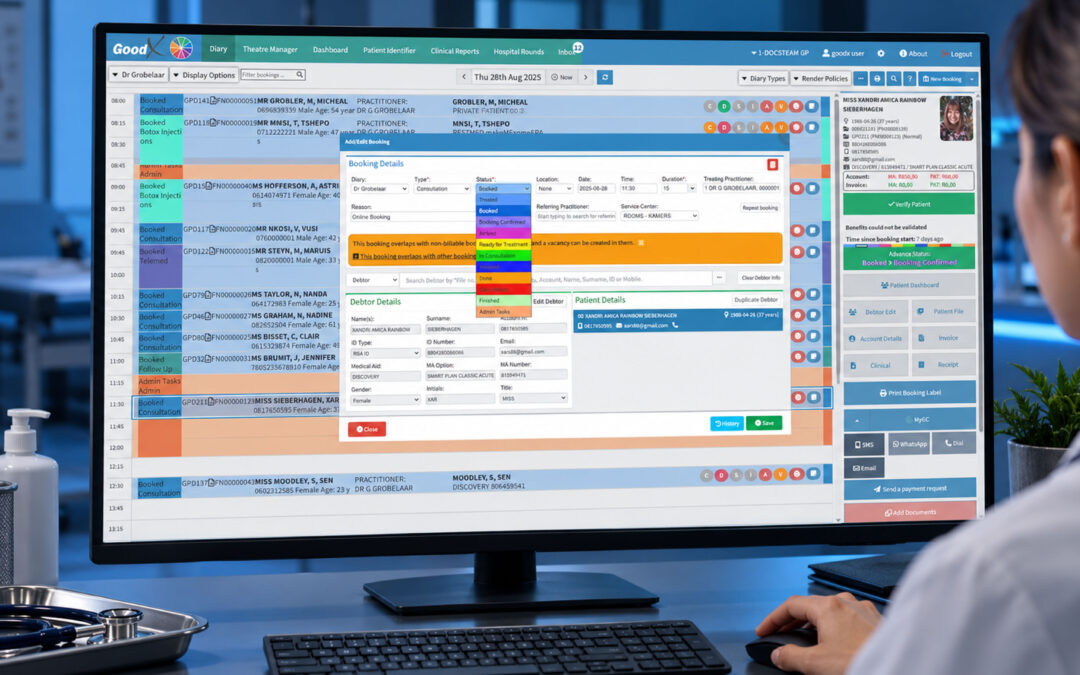
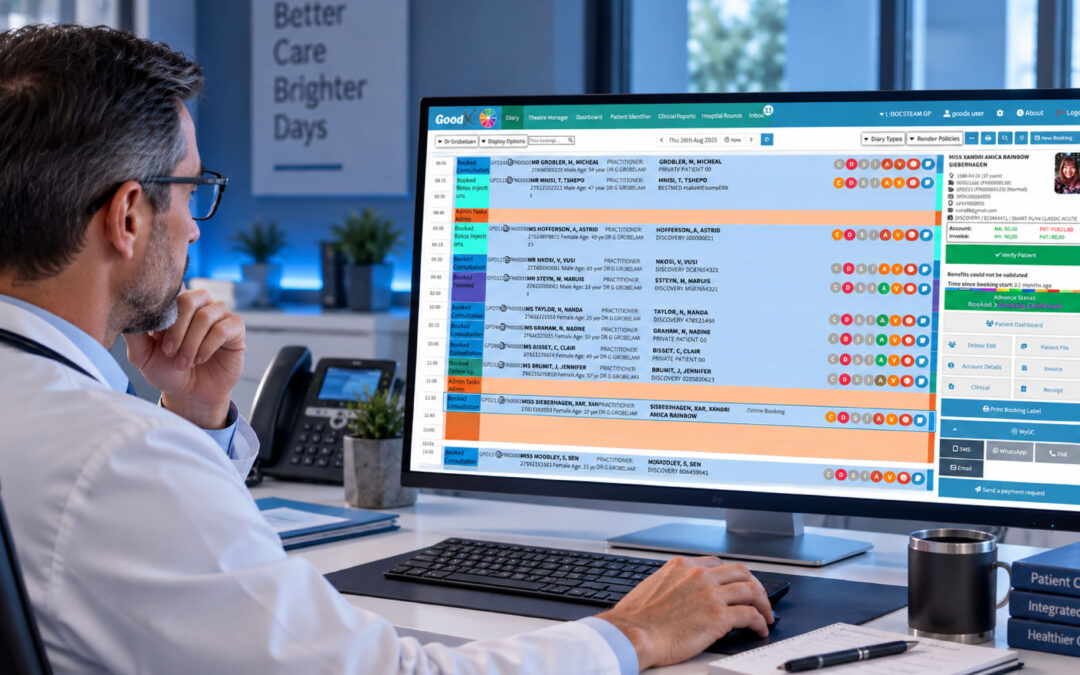
GoodX brings healthcare practice management and electronic patient information into a connected environment, helping healthcare professionals manage important clinical and administrative workflows from one platform.
Rather than treating the medical record as an isolated database, GoodX is designed to support the wider practice workflow around the patient.
That can help reduce unnecessary duplication and give healthcare teams greater visibility across their day-to-day operations.
For organisations evaluating EMR solutions, the ability to connect patient records with the broader practice environment is an important consideration.
Making the transition to electronic medical records
Moving from paper records or an existing system to new EMR software requires planning.
Before implementation, consider:
Data migration
Determine which existing patient information needs to be transferred and how that process will be handled.
Staff training
Different users will need different levels of training depending on their responsibilities.
Workflow configuration
Configure the system around the processes your organisation actually follows.
Data security
Establish appropriate access controls and information management procedures.
User adoption
Give staff an opportunity to understand the benefits of the new system and provide feedback during implementation.
Ongoing support
Choose a provider that can support your organisation after the initial implementation.
The goal should be more than simply moving information from paper to a screen.
The implementation should improve the way information flows through the organisation.
The future of electronic medical records
EMR software continues to evolve as healthcare organisations look for better ways to manage growing amounts of information.
Automation, integrations, analytics and artificial intelligence are increasingly becoming part of healthcare technology.
However, technology should always support the underlying objective.
Healthcare professionals need systems that help them access relevant information, document care efficiently and manage their practices effectively.
The most valuable developments will therefore not necessarily be the systems with the most advanced technology.
They will be the systems that make everyday healthcare workflows simpler, safer and more connected.
What to Consider Before Choosing EMR Software
Choosing the right software for electronic medical records is a significant decision for any healthcare organisation.
The right system should provide a reliable place to manage patient information while supporting the workflows that surround it.
When comparing solutions, look beyond the interface and feature list.
Consider:
- Patient record functionality
- Ease of clinical documentation
- Practice management
- Billing
- Integrations
- Security
- Reporting
- Customisation
- Scalability
- Support
- Total cost of ownership
Most importantly, consider how the system will work in the real world.
Will healthcare professionals be able to find information quickly?
Will administrative teams spend less time entering the same information?
Will patient, clinical and financial workflows connect more effectively?
Will the system be able to grow alongside the organisation?
Those are the questions that ultimately determine whether an EMR investment delivers value.
For healthcare organisations looking for software for electronic medical records, the goal should not simply be to digitise patient files.
It should be to create a more connected healthcare practice where information is easier to manage, workflows are more efficient and healthcare professionals can spend more time focused on their patients.
Frequently asked questions
What is software for electronic medical records?
Software for electronic medical records is a digital system used to store, manage and access patient medical information. Depending on the platform, it can also include appointment scheduling, billing, reporting and other practice management functionality.
What is the difference between EMR and EHR software?
EMR generally refers to a digital medical record maintained within a particular healthcare provider or organisation, while EHR is often used to describe a broader health record designed to support information sharing across healthcare settings. Terminology can vary by country and software provider.
What are the benefits of electronic medical record software?
Benefits can include easier access to patient information, reduced paper administration, improved documentation, less duplicate data entry, better organisation of patient histories and stronger integration with other healthcare workflows.
What features should I look for in EMR software?
Important features can include patient records, clinical documentation, appointment management, billing, reporting, integrations, security controls, customisation and user management.
Is cloud-based EMR software better?
Not necessarily. Cloud-based and locally installed systems have different advantages. The right option depends on your organisation’s infrastructure, security requirements, connectivity, resources and workflow.
Can EMR software include billing?
Some EMR platforms include billing and practice management functionality, while others integrate with separate billing systems. An integrated approach can reduce duplicate data entry and connect clinical activity with financial workflows.
How secure is electronic medical record software?
Security depends on the software provider, implementation and the organisation’s own processes. When evaluating a system, consider authentication, user permissions, encryption, backups, audit trails, data storage and access controls.
How do I choose the right EMR system?
Start by mapping your current workflows and identifying the problems you need the software to solve. Then compare systems based on functionality, usability, integration, security, scalability, support and total cost of ownership. Always test the software using realistic workflows before making a decision.
Disclaimer: This article is provided for general informational and educational purposes only. While GoodX Software takes reasonable care to ensure that the information is accurate and current at the time of publication, laws, regulations, industry standards, healthcare policies and technology may change. The content should not be regarded as medical, legal, financial or other professional advice. Readers should verify information relevant to their circumstances and consult an appropriately qualified professional where necessary. GoodX Software accepts no responsibility for decisions made or actions taken solely on the basis of this content.
Talk to our South African team and book your free GoodX demo.