What Is Practice Management Software? Features and Benefits
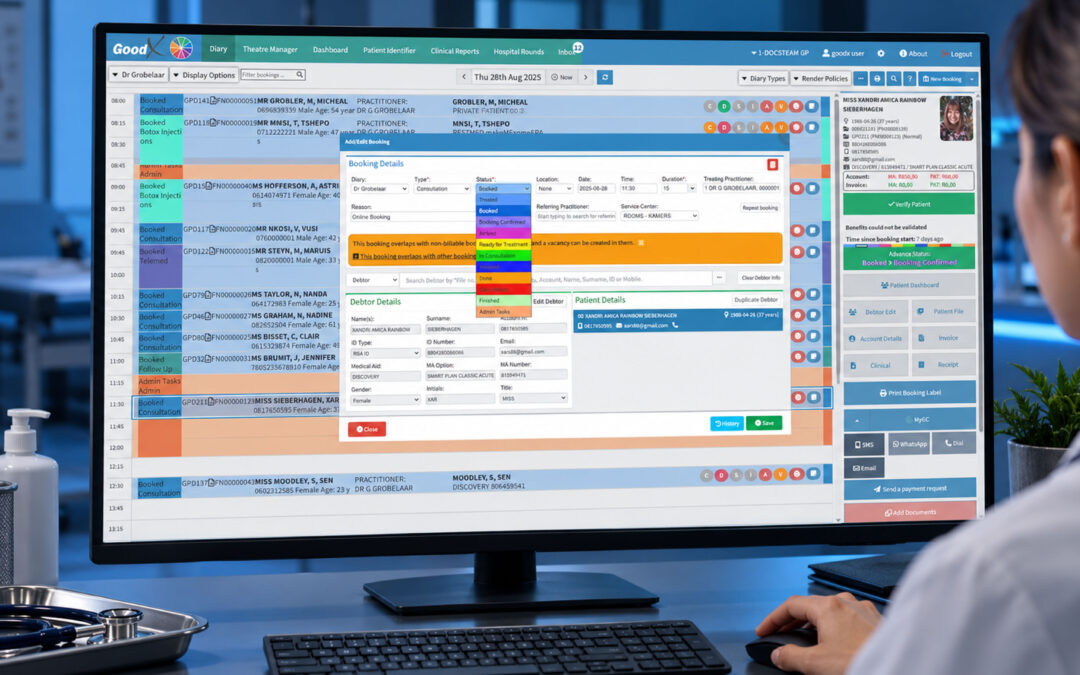
Running a healthcare practice involves much more than providing excellent patient care. What is practice management software? It is a digital system designed to help healthcare practices manage their everyday administrative, operational, and financial activities from one central platform.
From scheduling appointments and managing patient information to billing, claims, reporting and communication, practice management software can reduce manual administration and help practices operate more efficiently.
What Is Practice Management Software?
Practice management software (PMS) is a technology solution that helps healthcare professionals manage the business and administrative side of their practice.
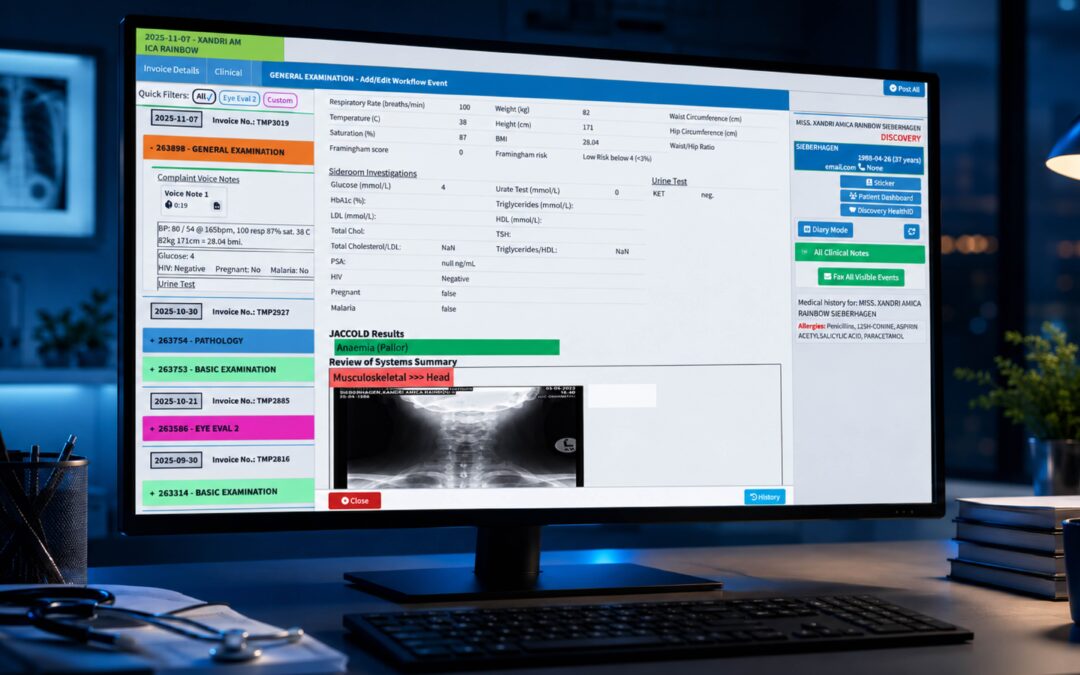
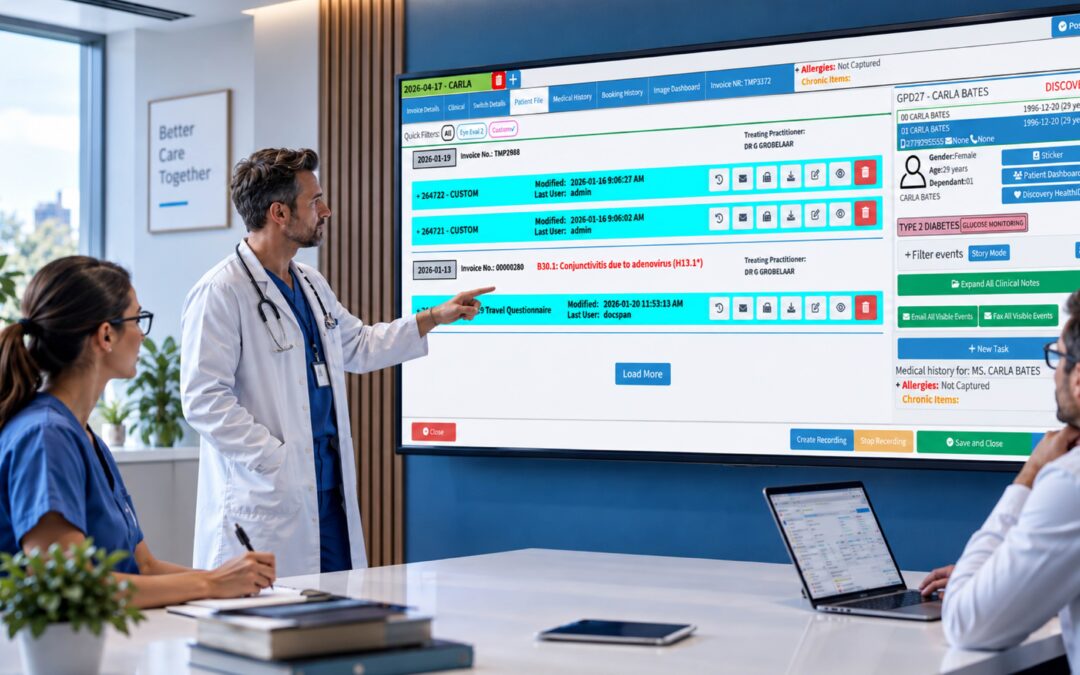
Instead of relying on spreadsheets, paper records or several disconnected systems, a PMS brings important workflows together in one place.
Depending on the solution, practice management software can help with:
- Appointment scheduling and calendar management
- Patient registration and demographic information
- Billing and invoicing
- Insurance and claims management
- Patient communication and reminders
- Financial and practice reporting
- Staff and workflow management
- Payment processing
- Data management and security
In simple terms, practice management software helps a healthcare practice run more smoothly behind the scenes, allowing healthcare professionals and staff to spend less time dealing with administration.
What Are the Key Features of Practice Management Software?
The exact features vary between software providers, but modern practice management systems commonly include several core capabilities.
Appointment Scheduling
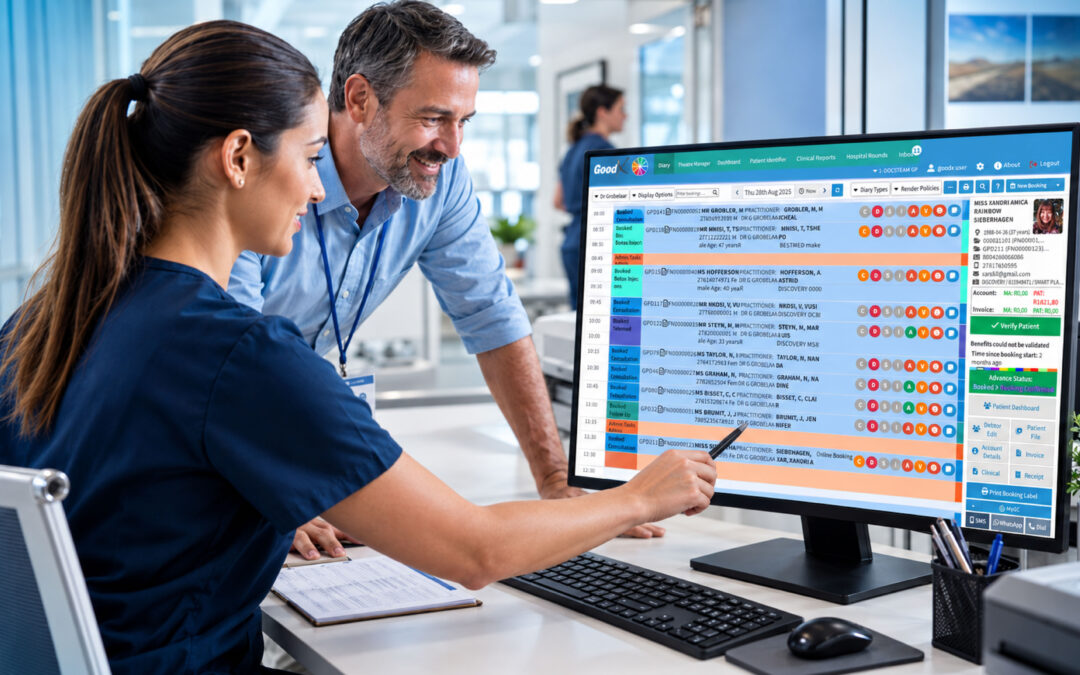
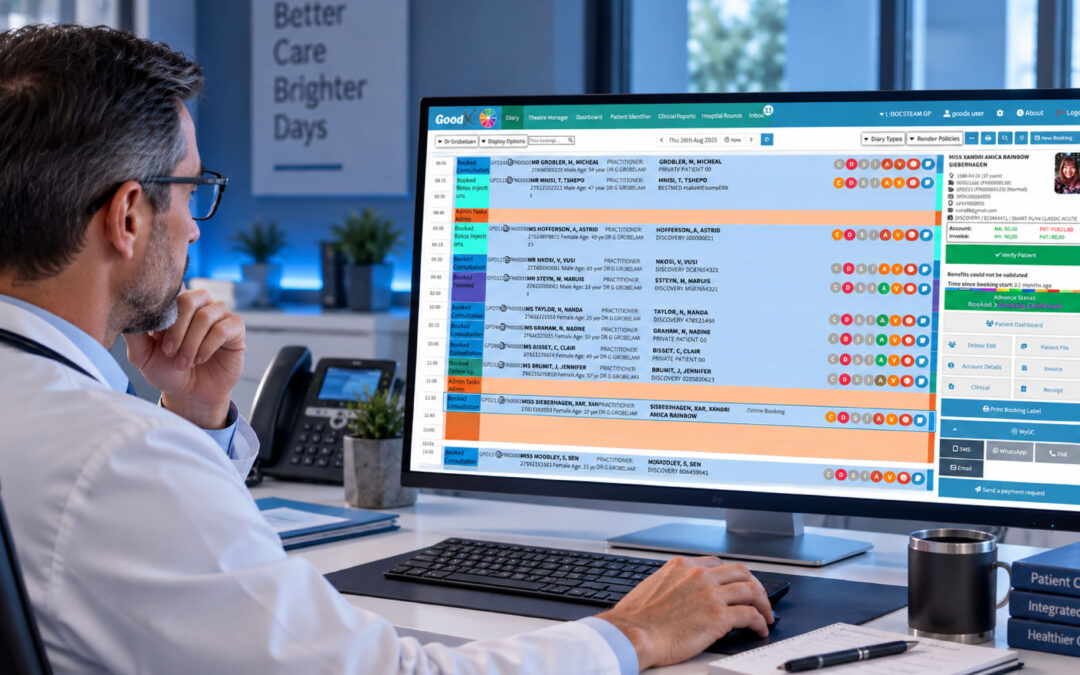
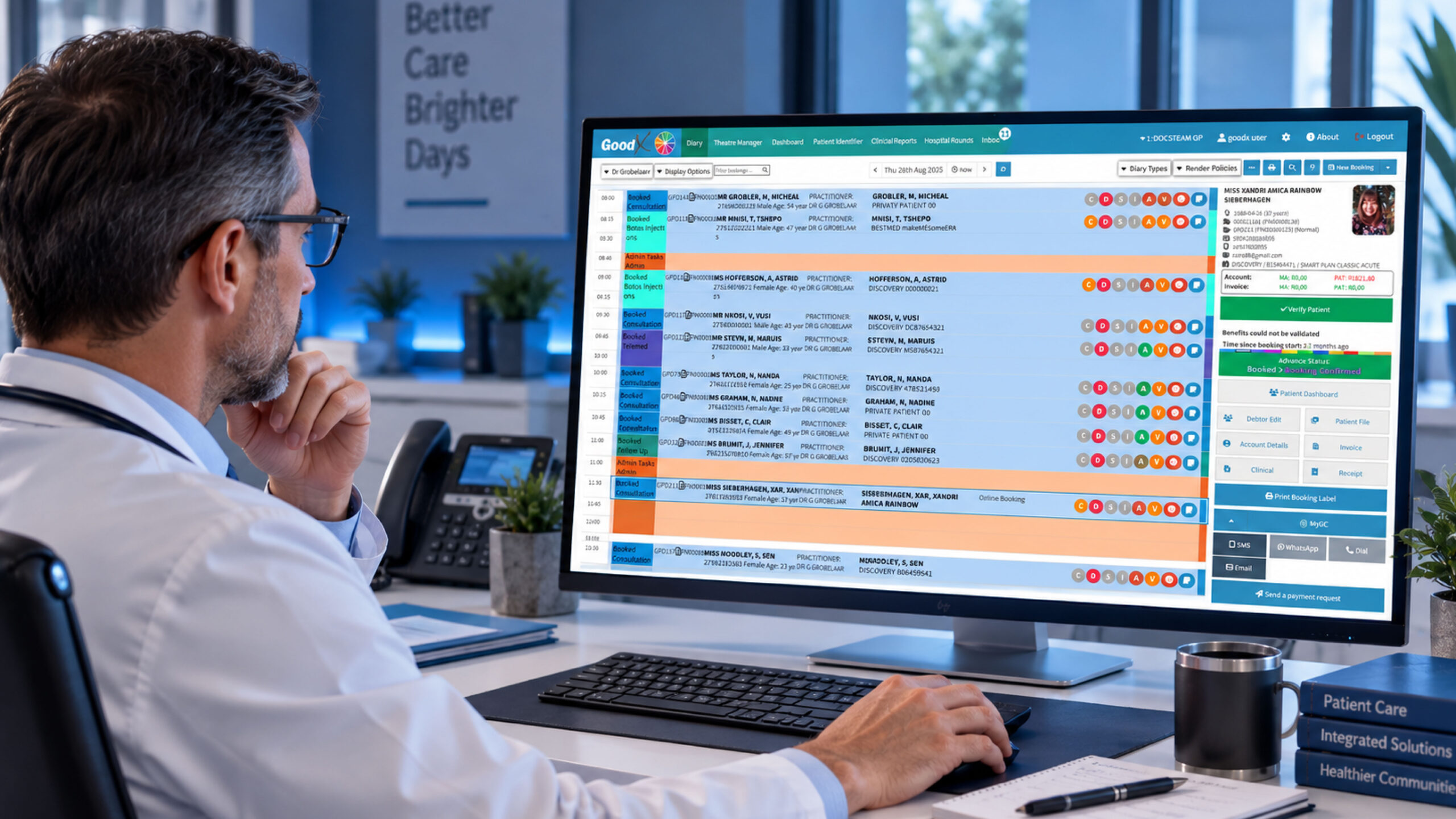
A practice management system can make scheduling easier by providing a central view of appointments, providers and availability.
Some systems also support online booking, automated appointment reminders and cancellation management. These features can help practices reduce administrative work and potentially decrease missed appointments.
Patient Management
PMS platforms can store important patient information, including demographic details, contact information, appointment history and billing information.
Having this information accessible in one system can help staff work more efficiently and reduce duplicate data entry.
Billing and Claims Management
Billing is an important part of running a financially sustainable healthcare practice.
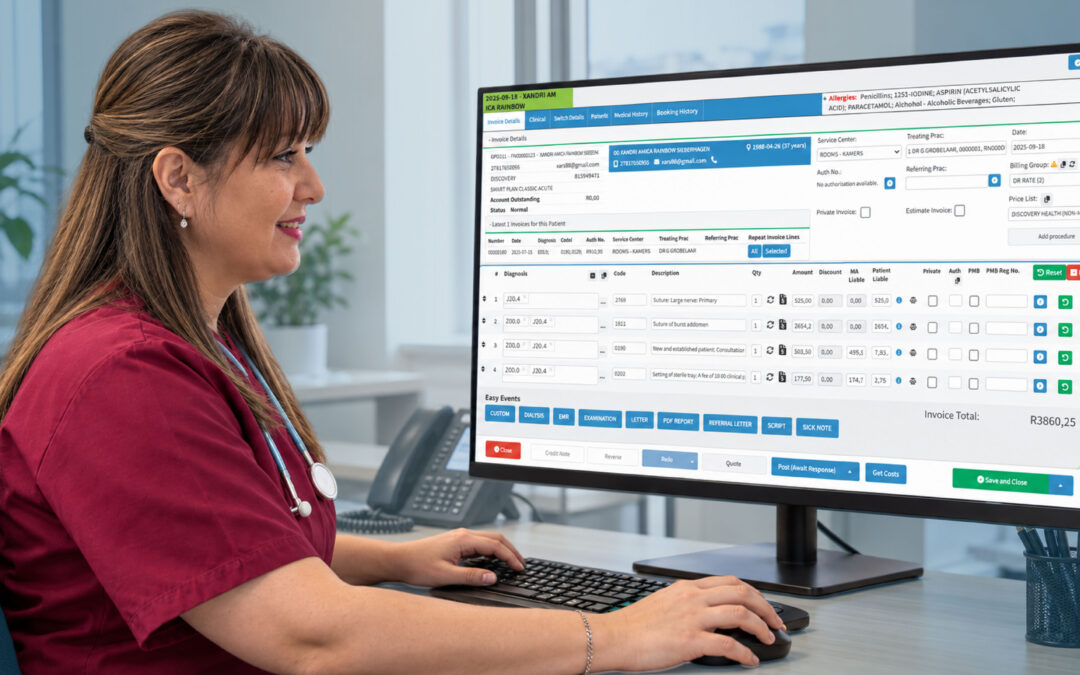
Practice management software can assist with invoicing, payment processing and claims workflows. By reducing manual processes and helping staff identify missing or inaccurate information, a PMS can support more efficient revenue collection.
Patient Communication
Modern practices need convenient ways to communicate with patients.
Depending on the system, communication features may include appointment reminders, notifications, secure messages and other automated communications. Better communication can help keep patients informed and improve the overall patient experience.
Reporting and Analytics
Practice management software can provide insights into how a practice is performing.
Reports may cover areas such as:
- Appointment volumes
- Revenue
- Outstanding payments
- Claims
- Patient activity
- Practice performance
This information can help practice managers identify trends and make more informed operational decisions.
What Are the Benefits of Practice Management Software?
The right practice management system can provide benefits for both healthcare professionals and patients.
1. Saves Time
Automating repetitive administrative tasks can reduce the amount of time staff spend on manual data entry, scheduling, billing and other routine activities.
2. Improves Efficiency
Centralising practice information and workflows makes it easier for staff to access the information they need and complete tasks without constantly switching between systems.
3. Supports Better Billing
A PMS can help practices manage invoices, payments and claims more consistently, supporting smoother financial processes and reducing avoidable errors.
4. Improves the Patient Experience
Online scheduling, appointment reminders and efficient administration can make interactions with a healthcare practice more convenient for patients.
5. Provides Better Visibility
Practice managers can use reports and dashboards to understand what is happening across the practice and identify areas that may need attention.
6. Supports Growth
As a practice grows, managing more patients, providers, appointments and financial transactions can become increasingly difficult. A scalable PMS can help practices manage this increased workload without relying entirely on additional administrative processes.
Practice Management Software vs EHR Software
Practice management software and electronic health record (EHR) systems are closely related, but they generally serve different purposes.
Practice management software focuses primarily on the administrative and operational side of a healthcare practice, including scheduling, registration, billing and practice reporting.
EHR software focuses primarily on clinical information, such as diagnoses, treatment plans, clinical notes, medications and laboratory results.
Many modern healthcare environments use these systems together so that administrative and clinical information can flow between relevant workflows.
Cloud-Based vs On-Premise Practice Management Software
Practice management software can be deployed in different ways.
Cloud-based software is hosted by the provider and accessed through an internet connection. It can offer flexibility, easier updates and access from different locations.
On-premise software is installed and maintained on the practice’s own infrastructure. This can provide greater control over the environment but may require additional IT resources, hardware and maintenance.
The best option depends on the practice’s requirements, infrastructure, budget, security needs and long-term plans.
How Much Does Practice Management Software Cost?
There is no single price for practice management software. Costs can vary depending on the provider, number of users, features, integrations, support requirements and deployment model.
Practices should consider the total cost of ownership, rather than looking only at the advertised subscription or licence price.
Potential costs can include:
- Software subscriptions or licences
- Implementation
- Data migration
- Training
- Integrations
- Support
- Additional users or features
A system that appears inexpensive initially may not provide good value if it lacks important features or requires numerous additional services.
How Do You Choose the Right Practice Management Software?
Before choosing a PMS, healthcare practices should consider their specific workflows and requirements.
Look for software that:
- Provides the features your practice actually needs
- Is easy for staff to learn and use
- Supports secure handling of sensitive information
- Integrates with other important healthcare systems
- Provides useful reporting
- Can scale as the practice grows
- Offers appropriate customer support
- Fits your budget and operational requirements
It is also worth evaluating how the software will fit into the day-to-day workflow of the practice, rather than judging it purely by the number of features available.
How GoodX Can Help
For healthcare practices looking to streamline their administrative and financial processes, GoodX provides practice management technology designed to bring important practice workflows together.
A practice management platform can help healthcare professionals and their teams manage areas such as patient administration, appointments, billing, claims and reporting within a connected environment.
The goal is simple: less unnecessary administration and more efficient practice management, giving healthcare teams more time to focus on their patients.
The bottom line
So, what is practice management software? At its core, it is a system that helps healthcare practices manage the administrative, operational and financial work required to run effectively.
From appointment scheduling and patient management to billing, claims and reporting, the right PMS can help reduce repetitive work, improve efficiency and provide greater visibility into practice performance.
For a growing healthcare practice, choosing the right practice management software isn’t simply about adding another piece of technology. It’s about creating a more organised, connected and efficient way of running the practice.
Contact our team to book your free GoodX demo.
Disclaimer: This article is provided for general informational and educational purposes only. While GoodX Software takes reasonable care to ensure that the information is accurate and current at the time of publication, laws, regulations, industry standards, healthcare policies and technology may change. The content should not be regarded as medical, legal, financial or other professional advice. Readers should verify information relevant to their circumstances and consult an appropriately qualified professional where necessary. GoodX Software accepts no responsibility for decisions made or actions taken solely on the basis of this content.